

Description
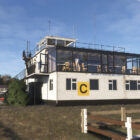
Leicester Airport sits in the Leicestershire countryside near Stoughton, around six miles east of Leicester city centre. Known by its ICAO code EGBG, the airfield occupies an open rural site between Stoughton and Little Stretton, with a distinctive mix of paved and grass runways that makes it instantly recognisable from the air.
The airfield began life during the Second World War as RAF Leicester East. Construction started in 1942 and the station became operational in 1943, supporting transport, airborne forces and training operations. Short Stirling aircraft operated from Leicester East with RAF squadrons including Nos. 190, 196 and 620. After the war, the Leicestershire Aero Club moved to the former RAF station, leasing the runways, control tower and buildings from the Air Ministry in 1951. That same year the airfield hosted its first Grand Festival Air Display. One particularly notable visitor arrived in 1958, when Queen Elizabeth II and Prince Philip flew into Leicester East, prompting Leicester City Council to resurface the main runway. The airfield was officially renamed Leicester Airport in 1974.
Today, Leicester is a busy and characterful general aviation airfield operated by the Leicestershire Aero Club, an organisation whose history stretches back to 1909. The airport remains an important centre for flying training, private aviation and recreational flying, while its wartime layout and surviving infrastructure provide a tangible link to its RAF past.
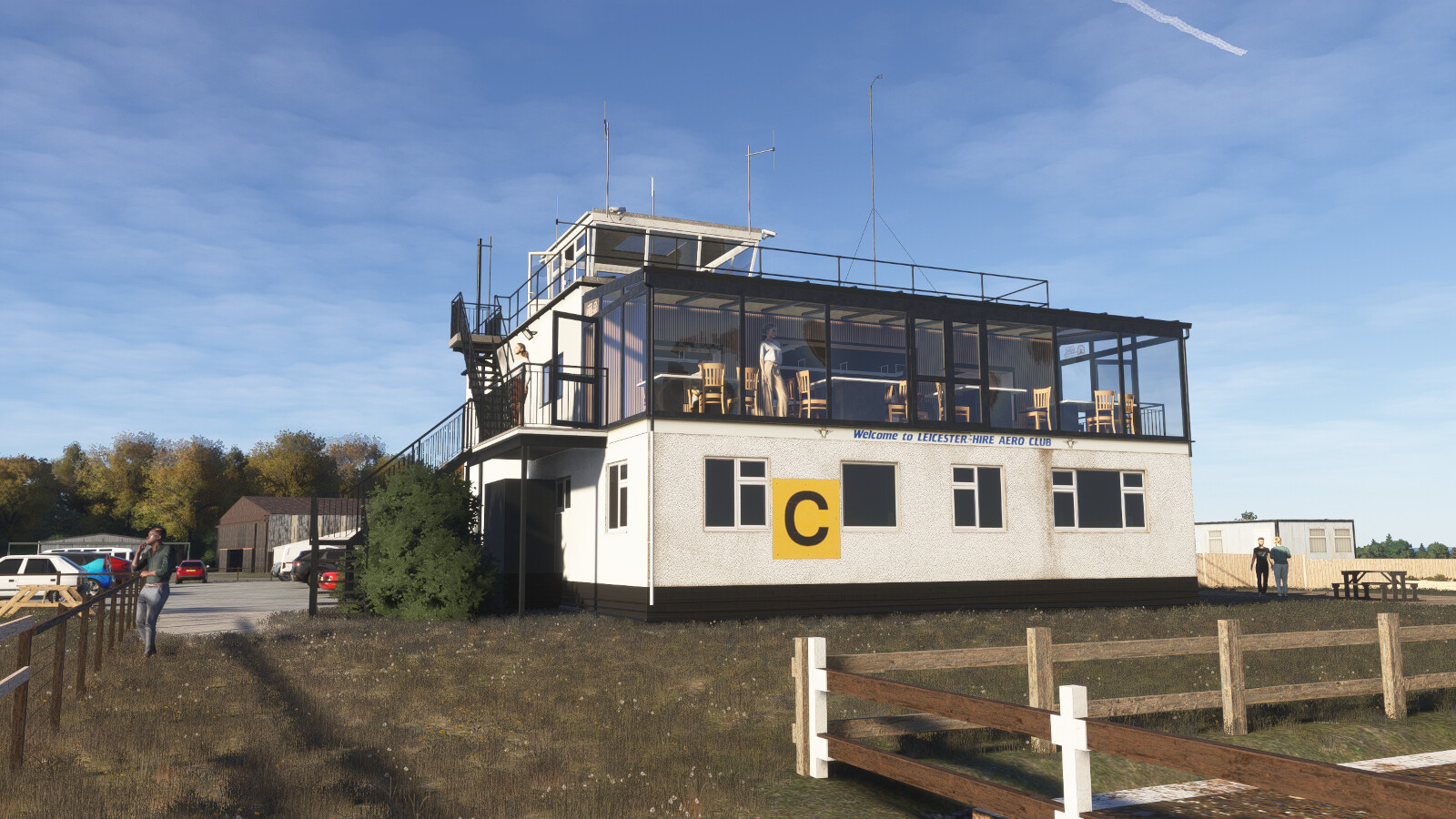
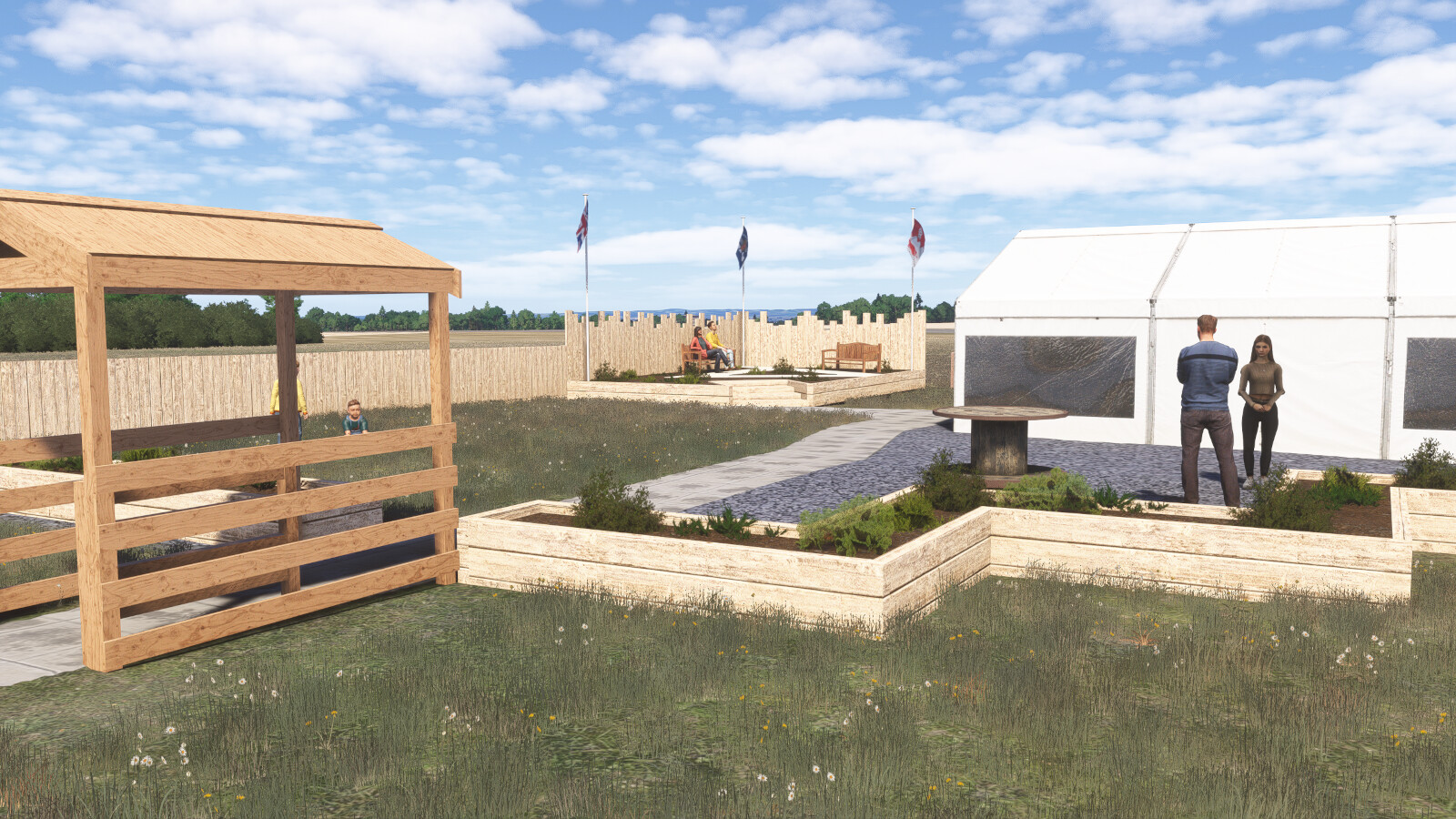
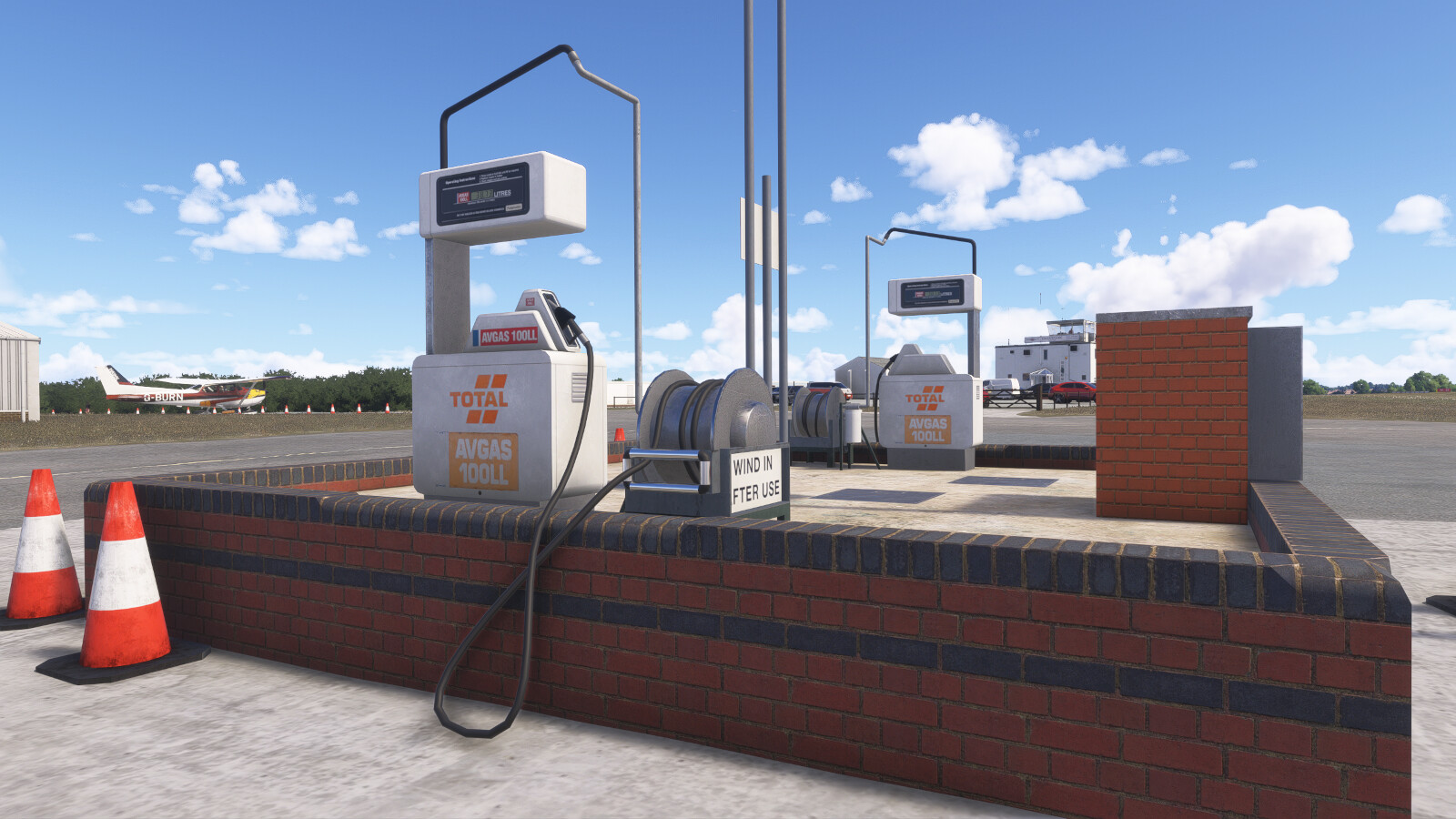
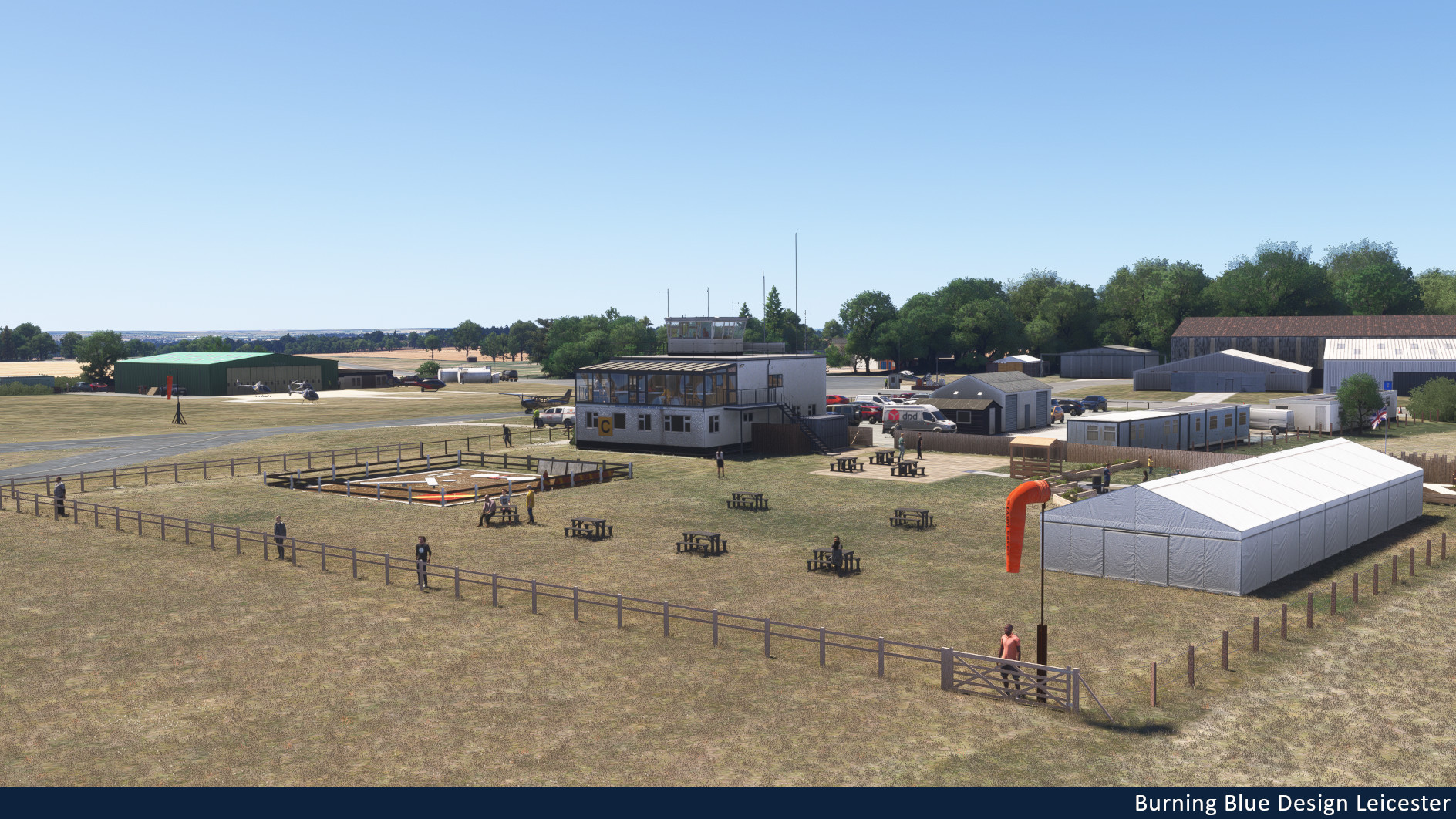
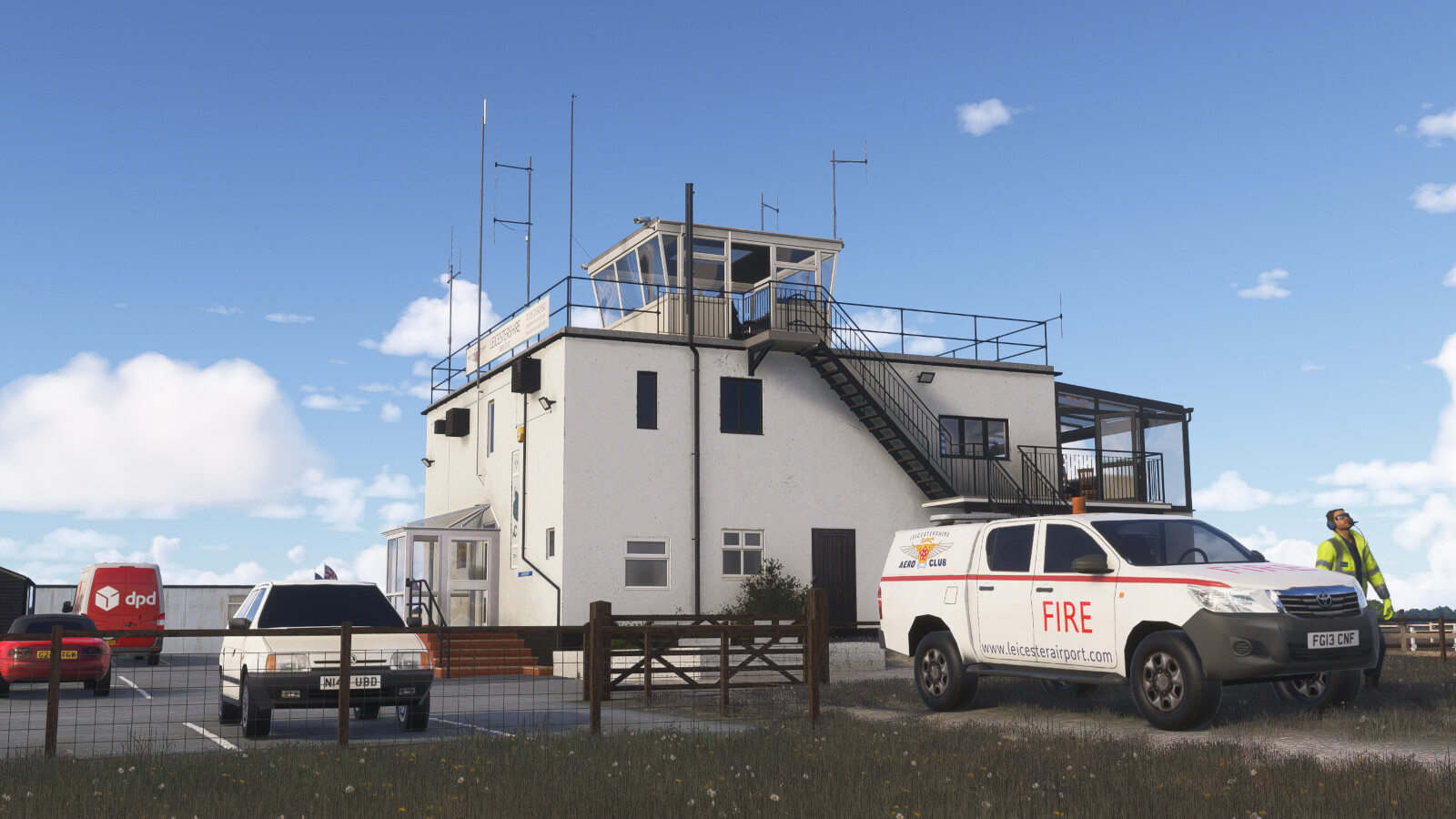
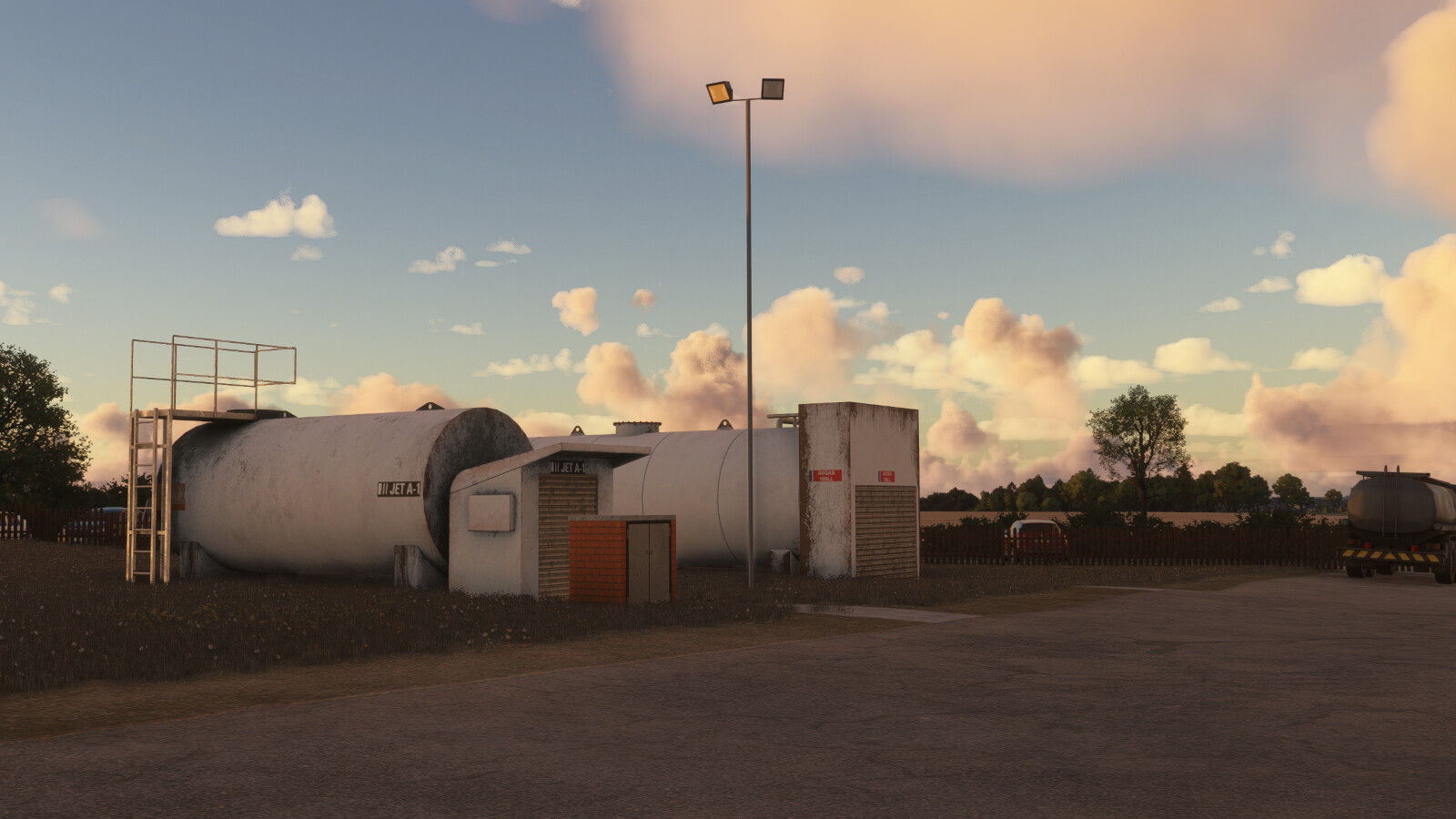
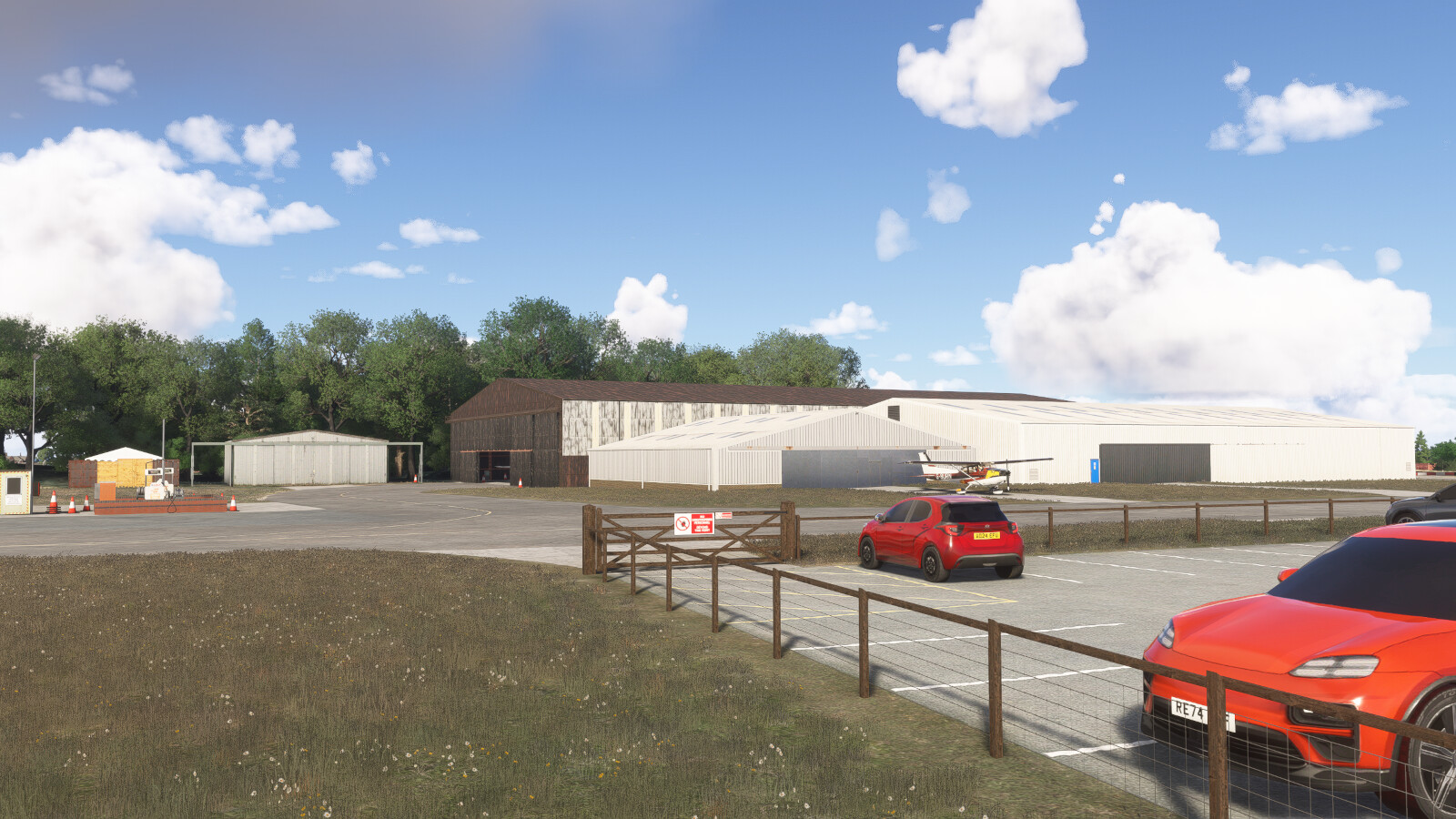
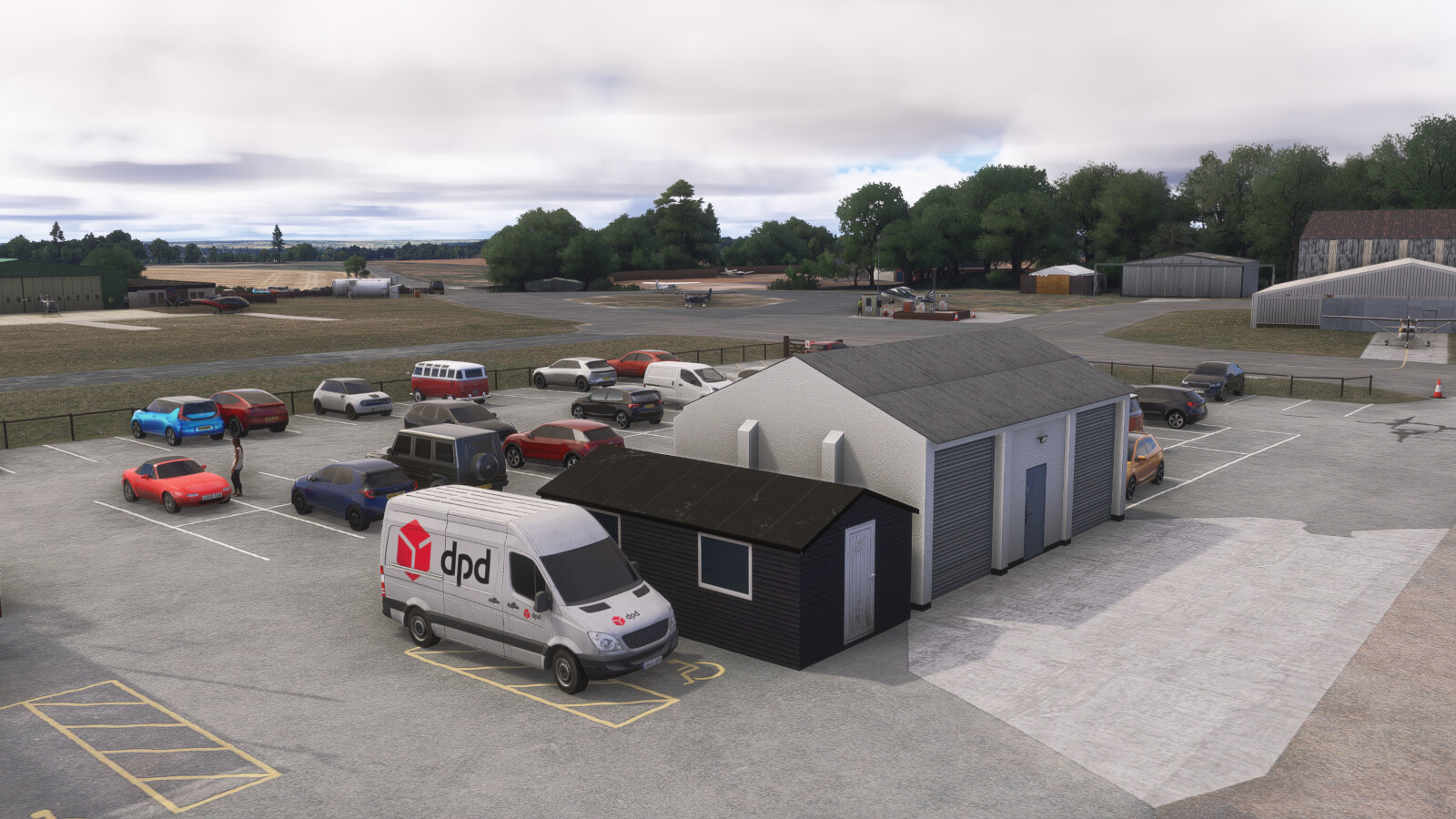
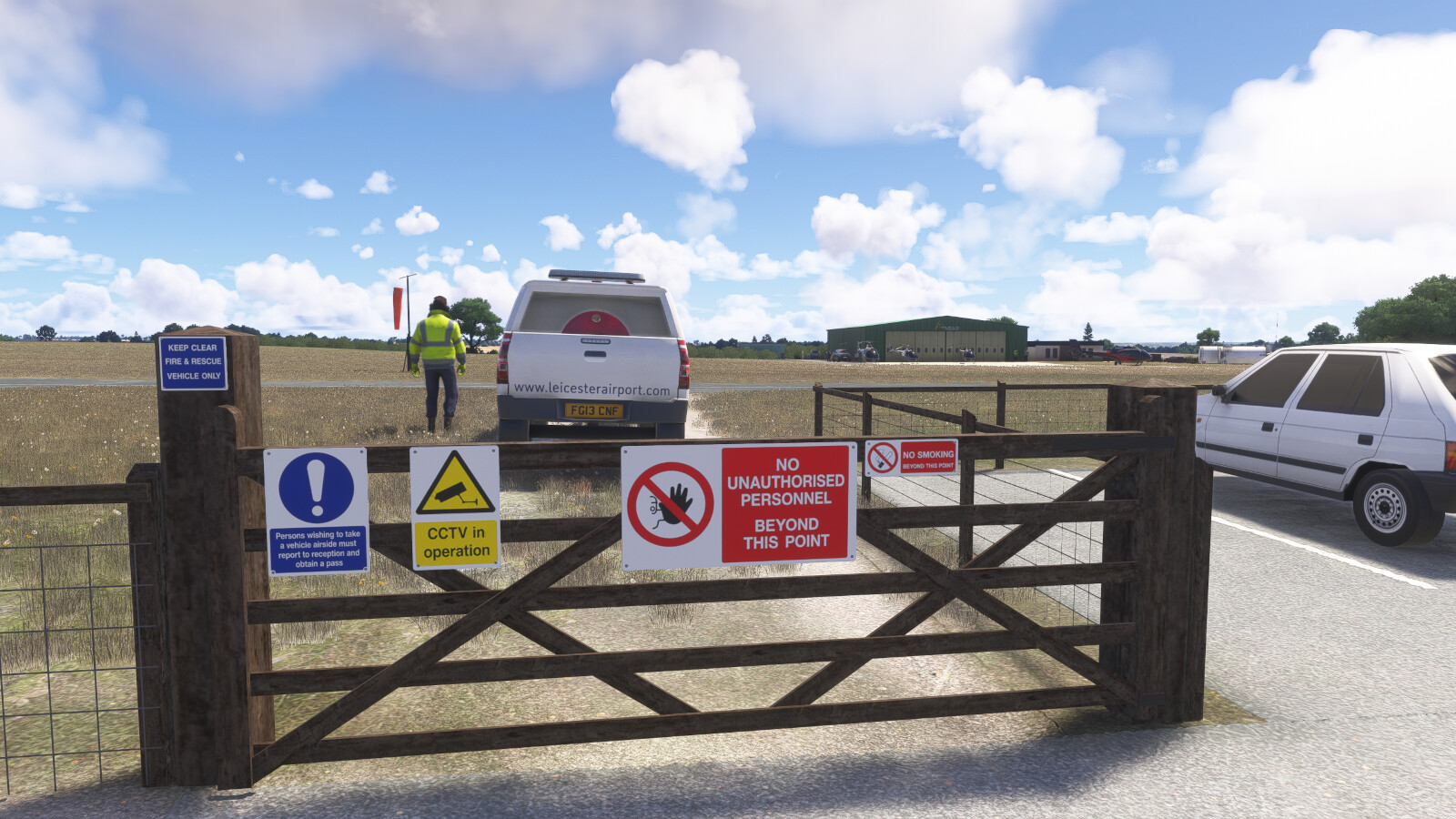
Leicester Airport has been meticulously recreated by Burning Blue Design undertaking on-site visits to ensure the highest levels of accuracy. It features:
-
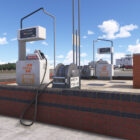
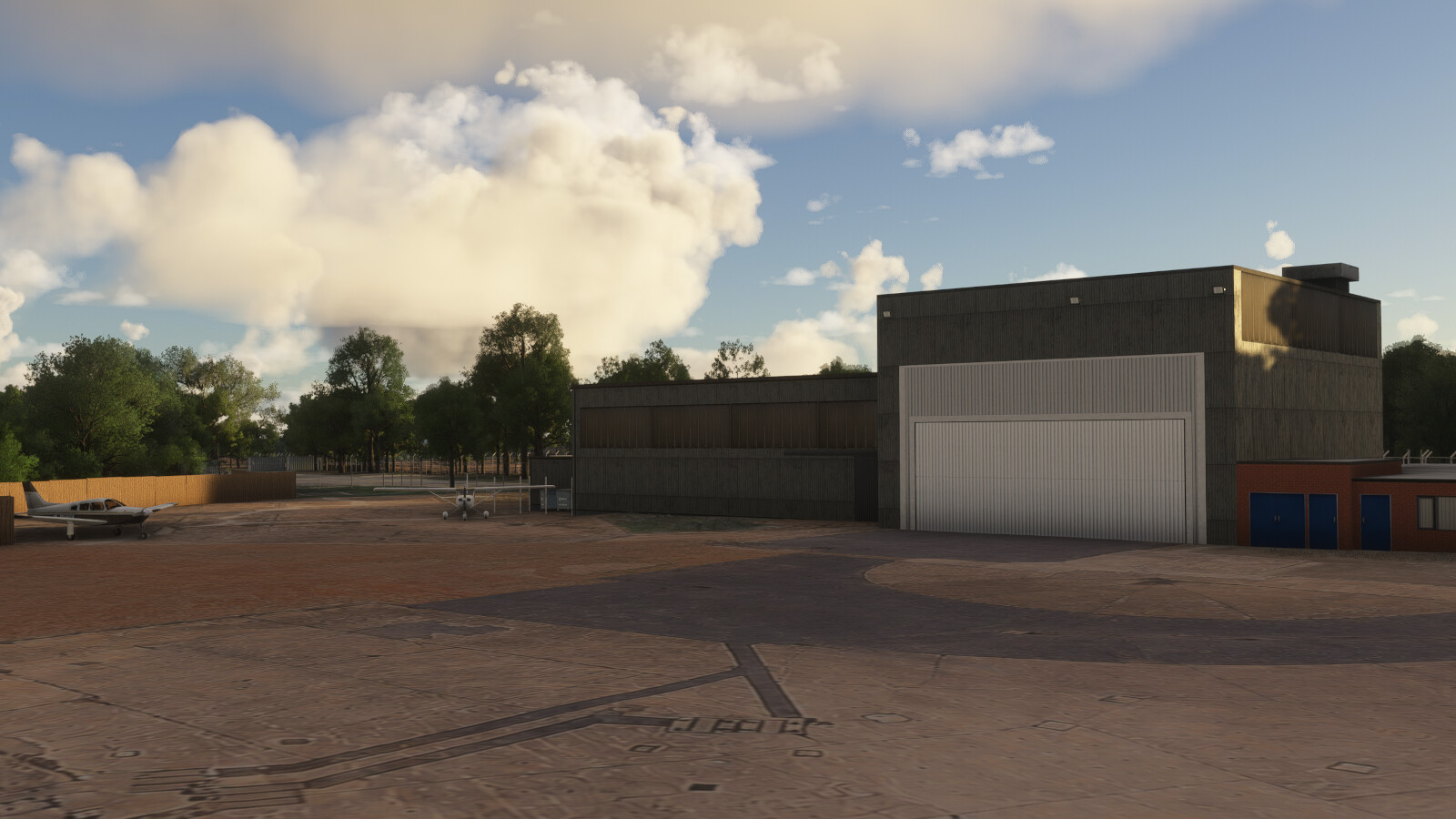
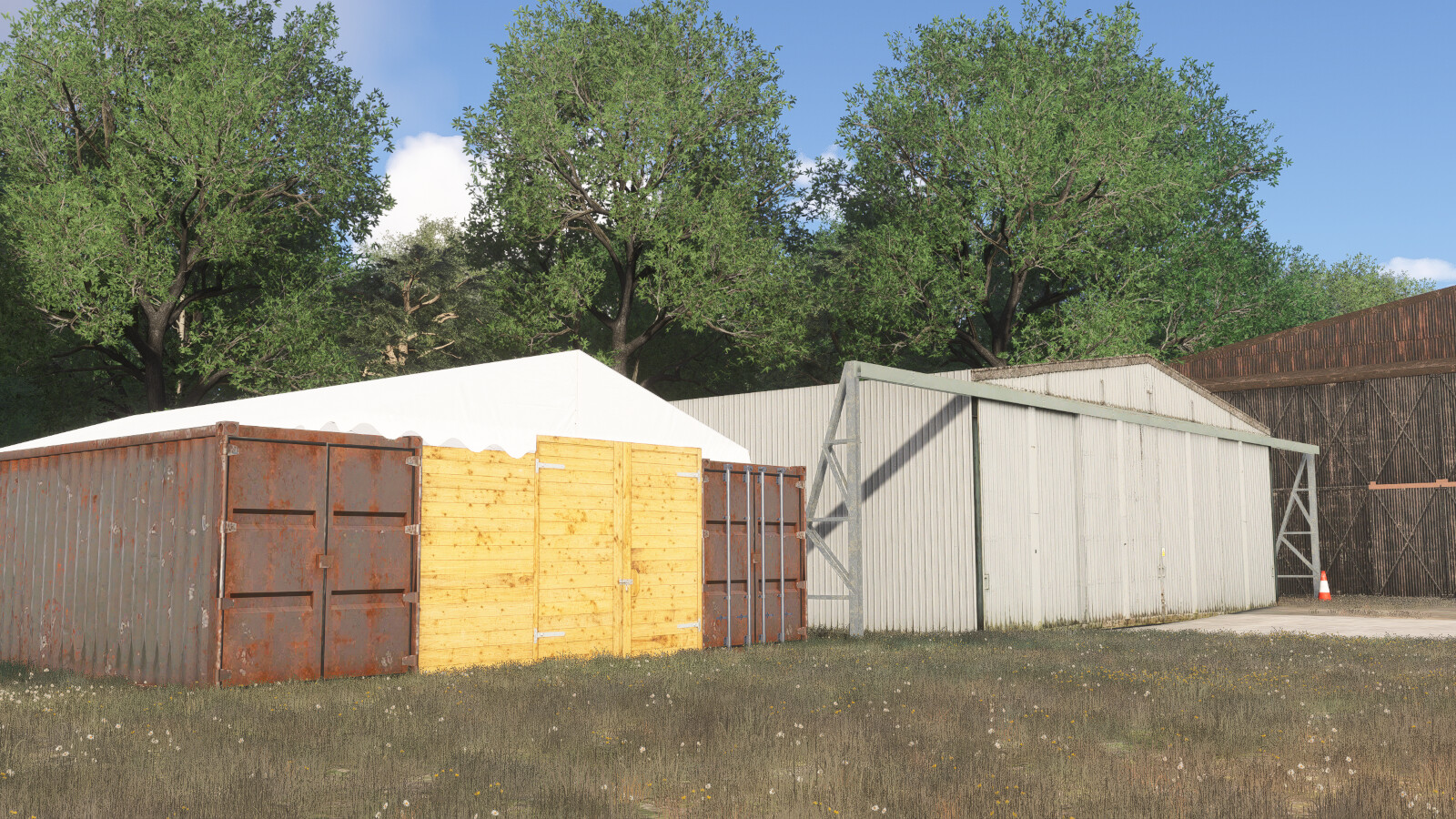
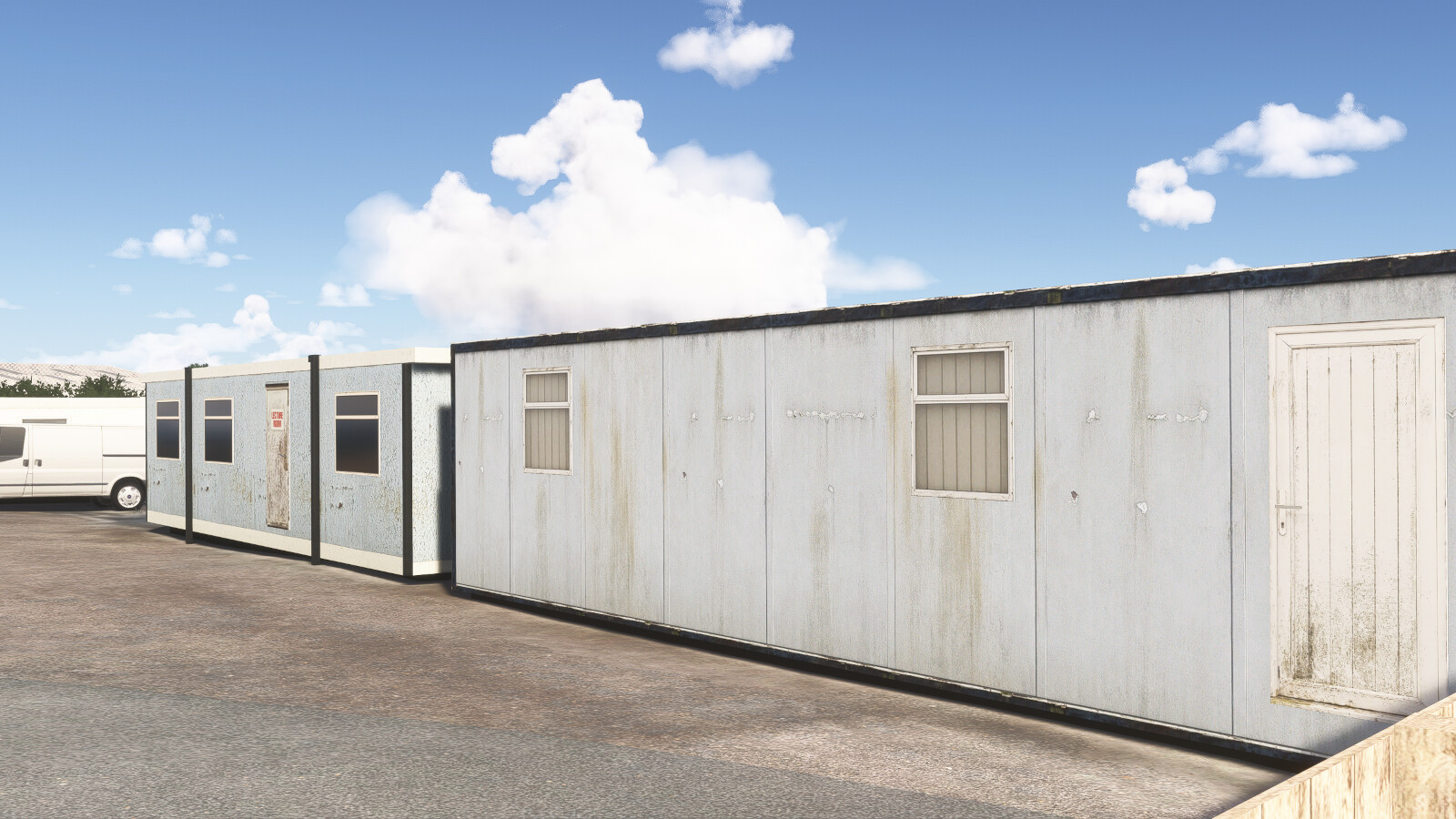
- Over 140 custom 3D objects each with full Physical Based Rendering (PBR) textures.
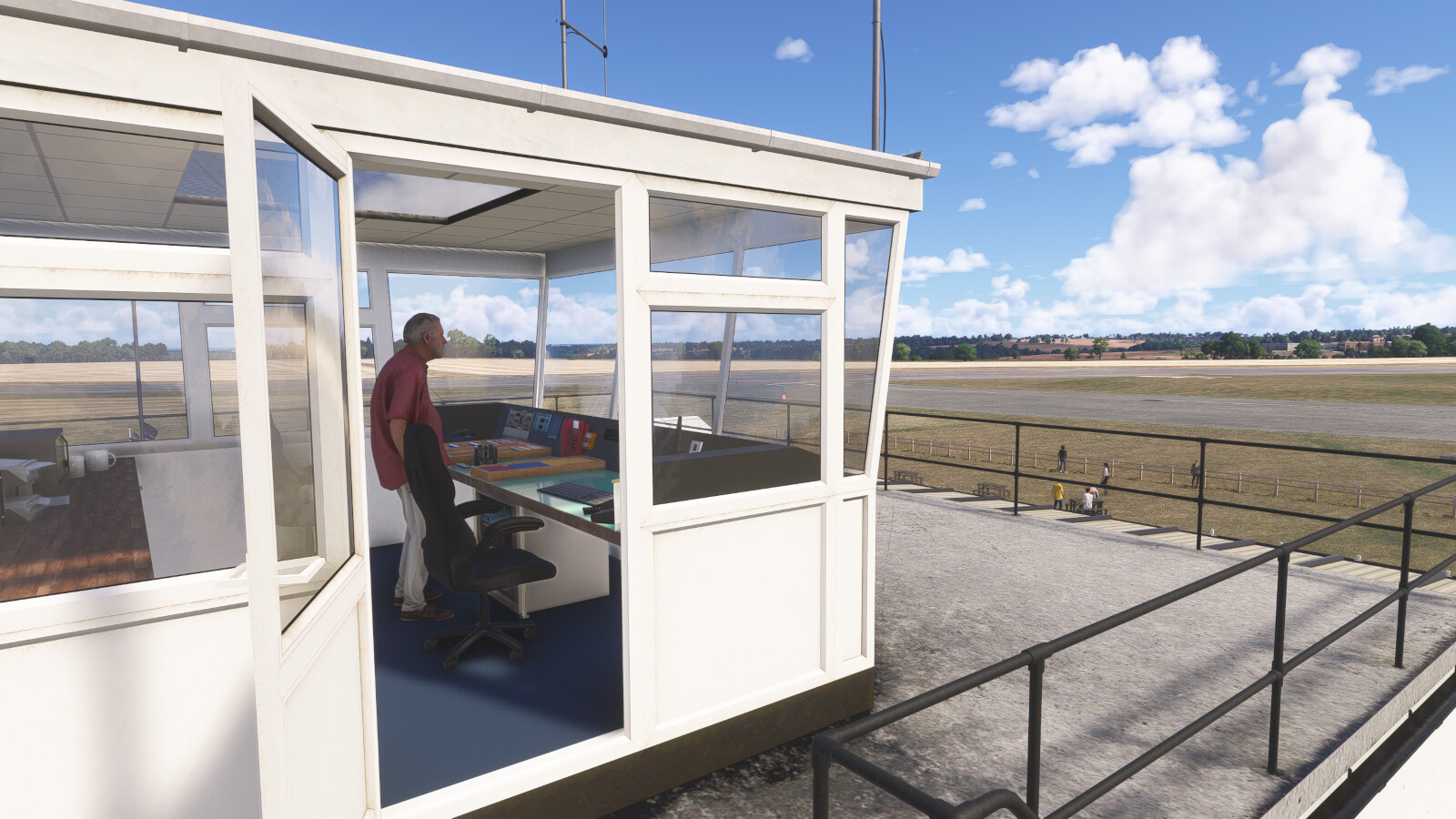
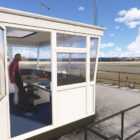
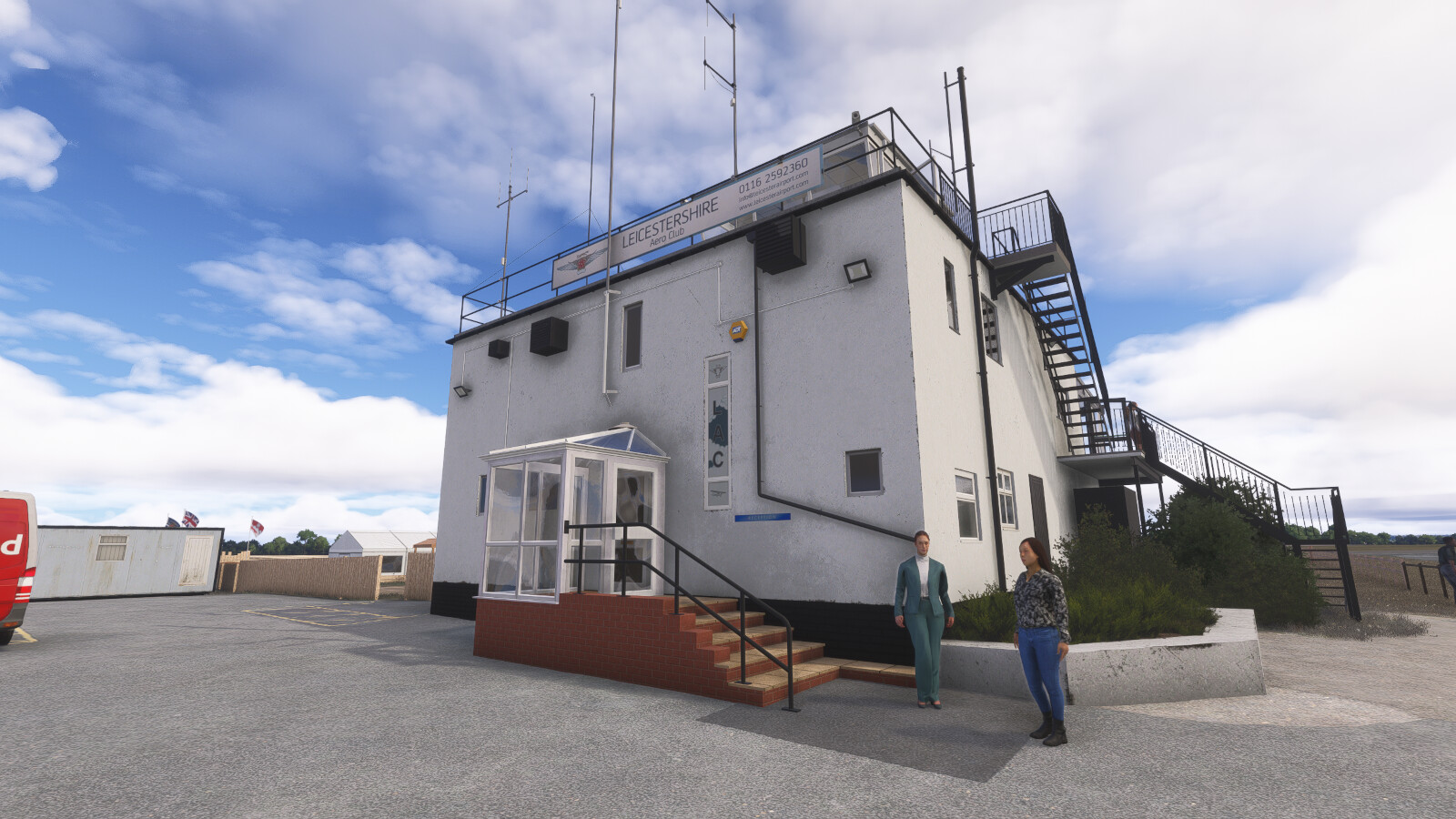
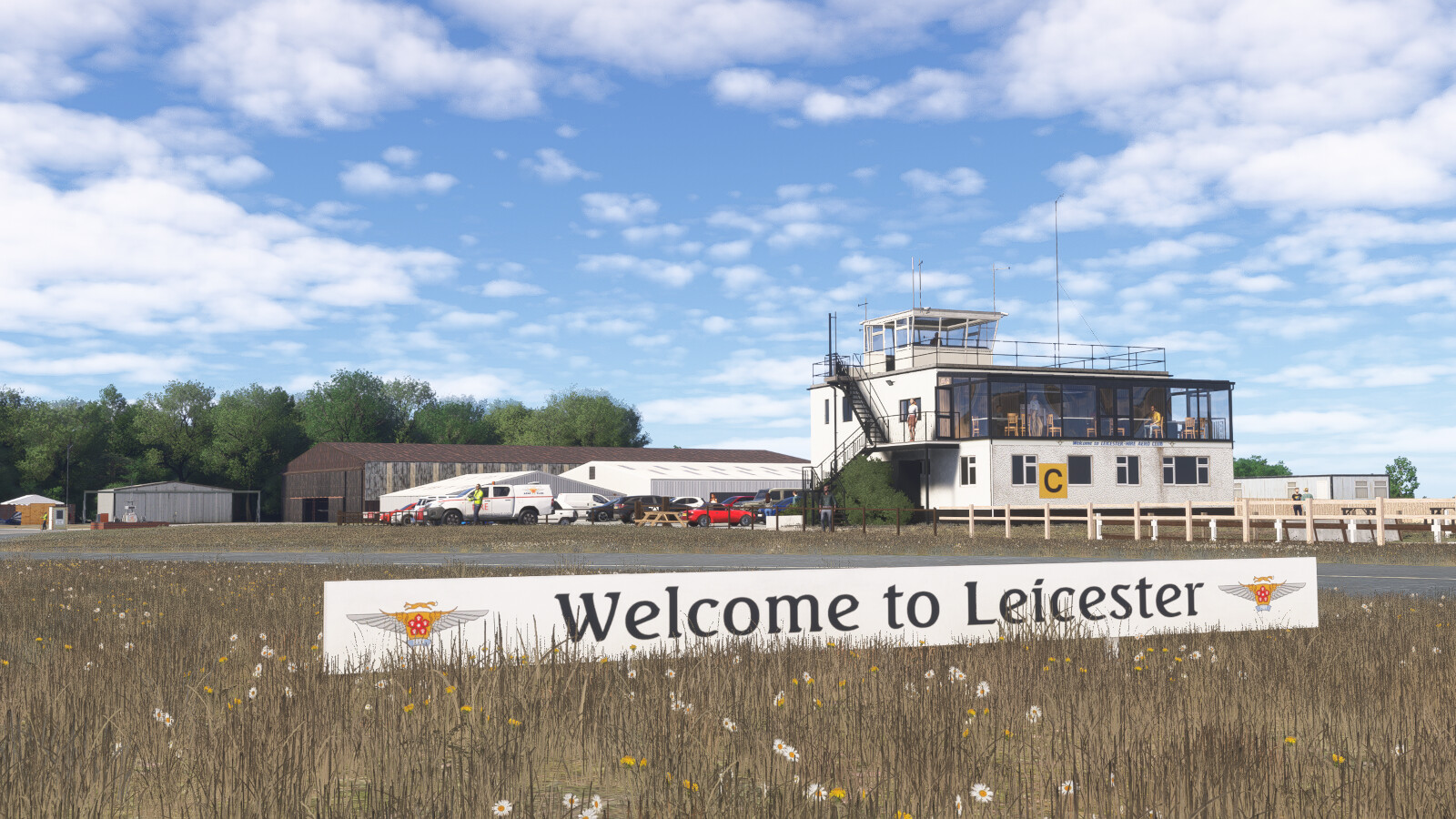
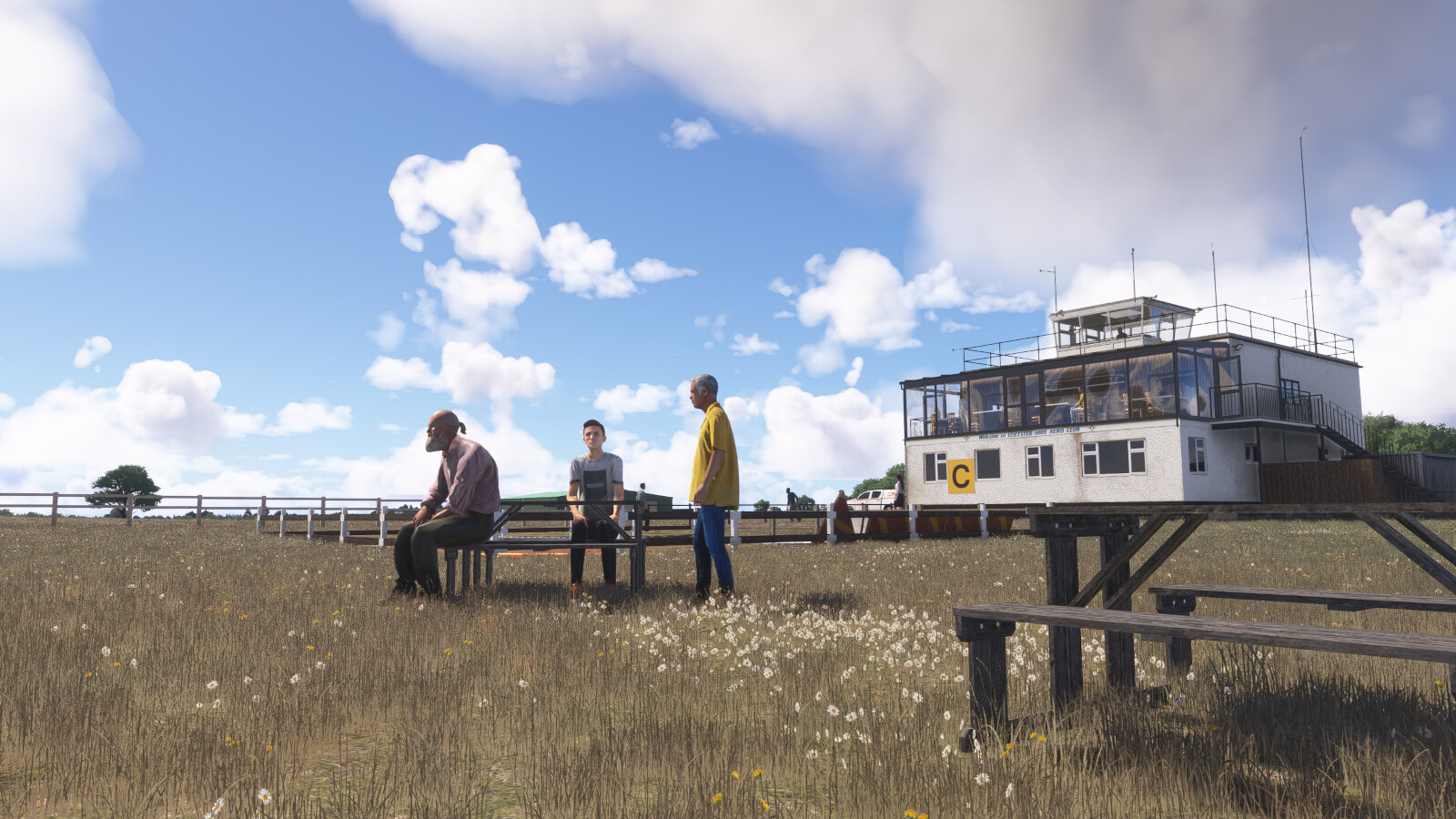
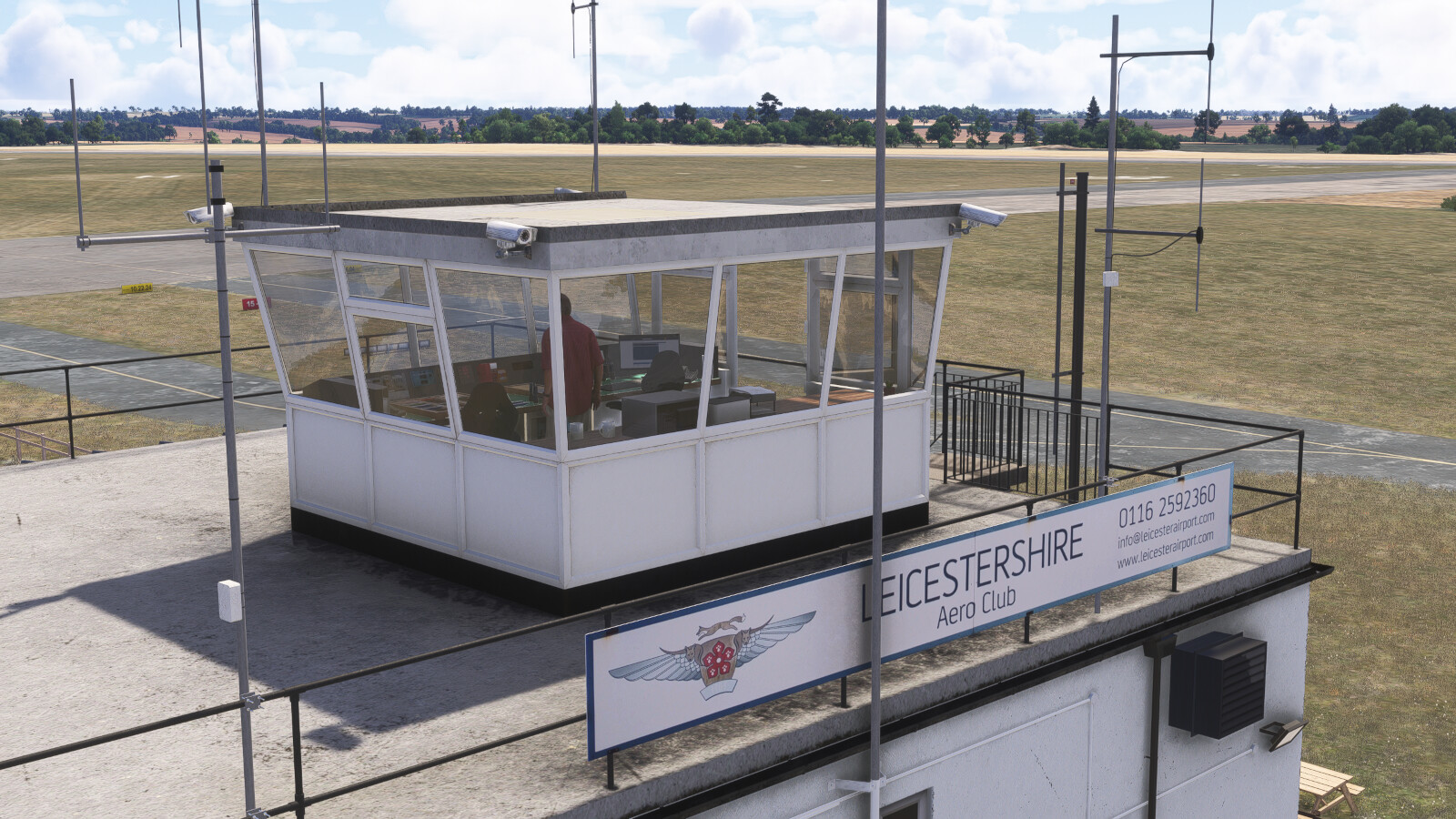
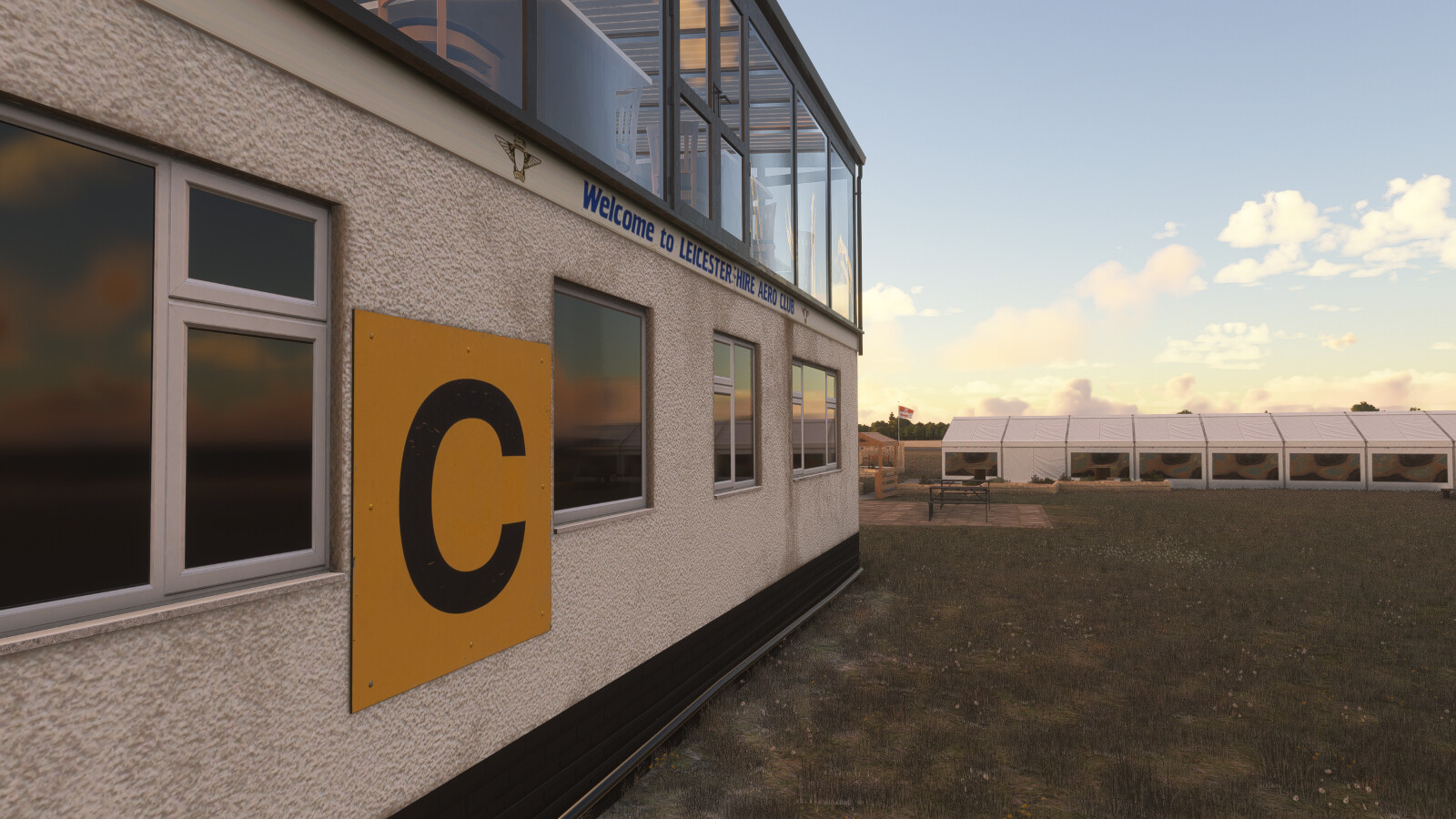
- Fully modelled control tower interior
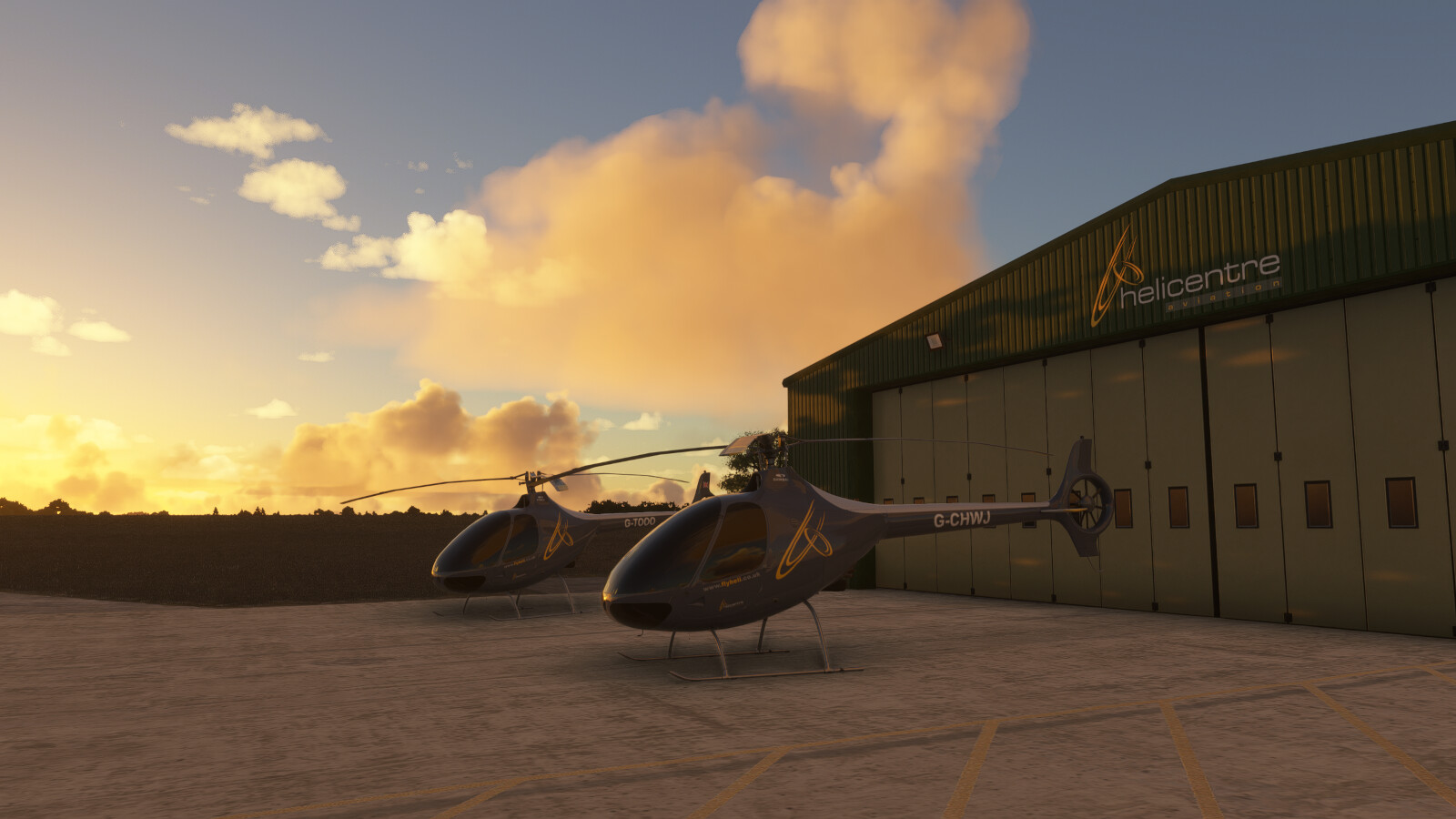
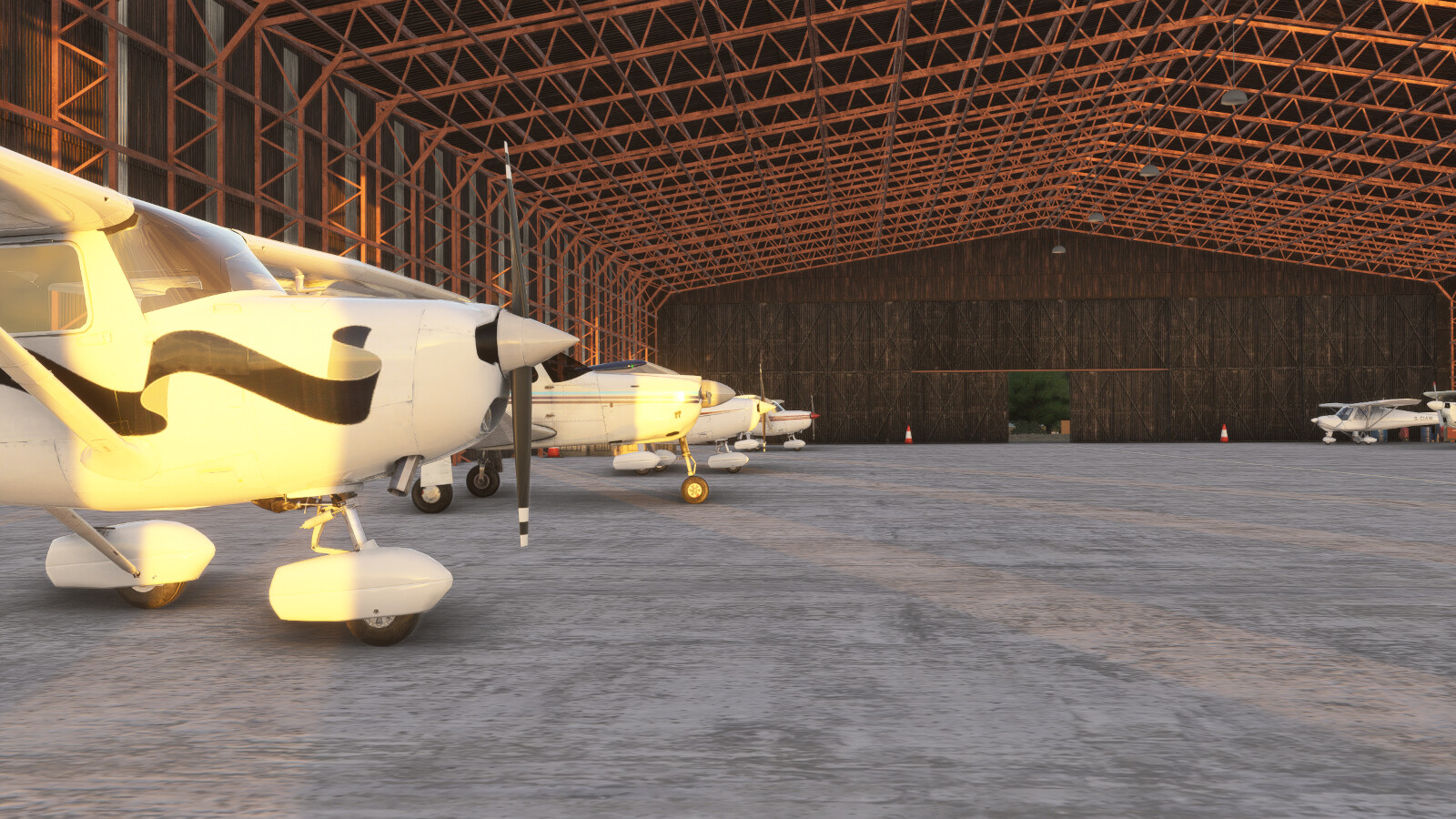
- Modelled hangar interior with parking spot and animated hangar doors
- Static Aircraft native to the airport:
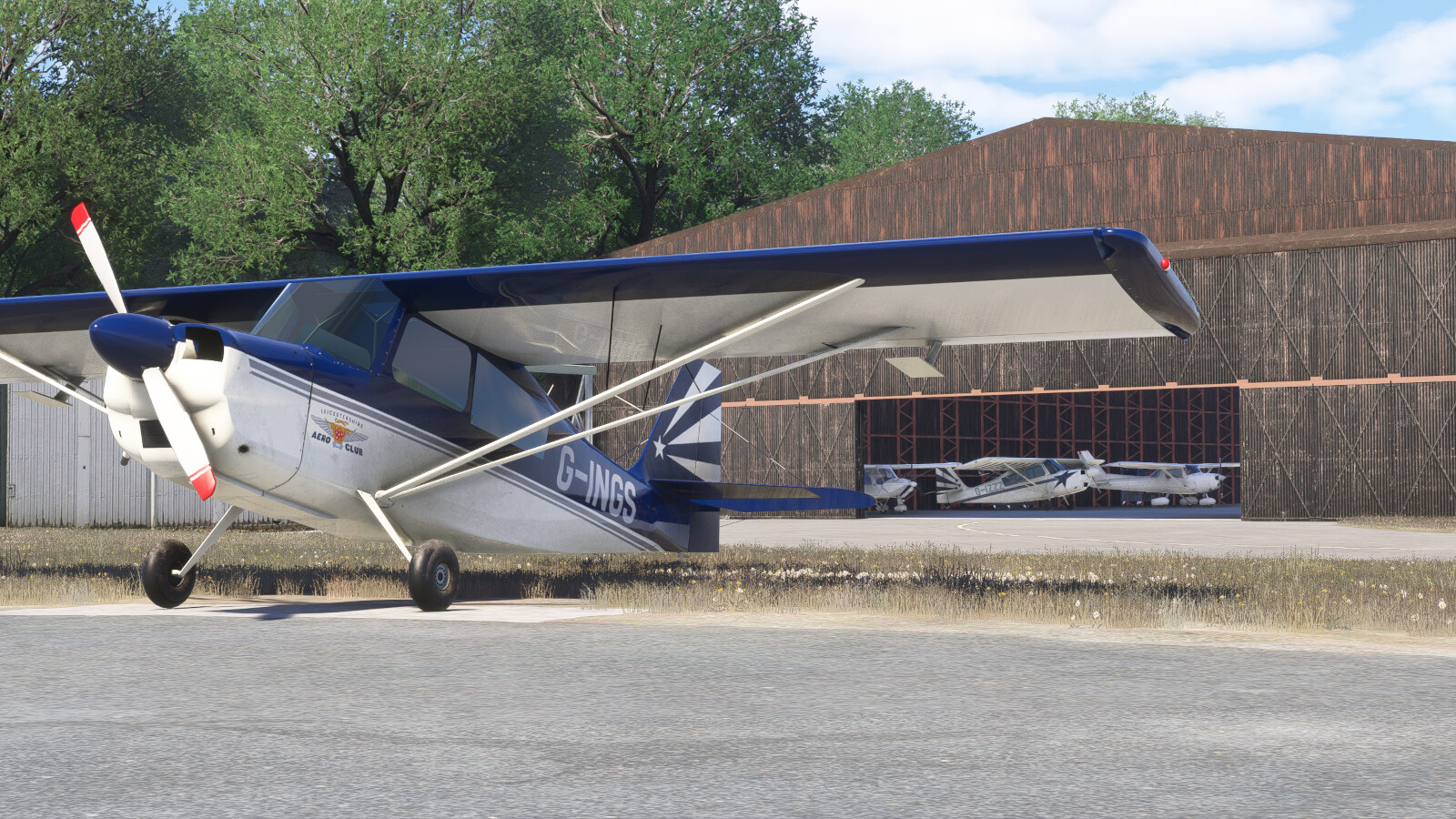
- G-INGS – Super Decathlon (Leicestershire Aero Club)
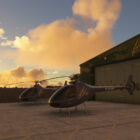
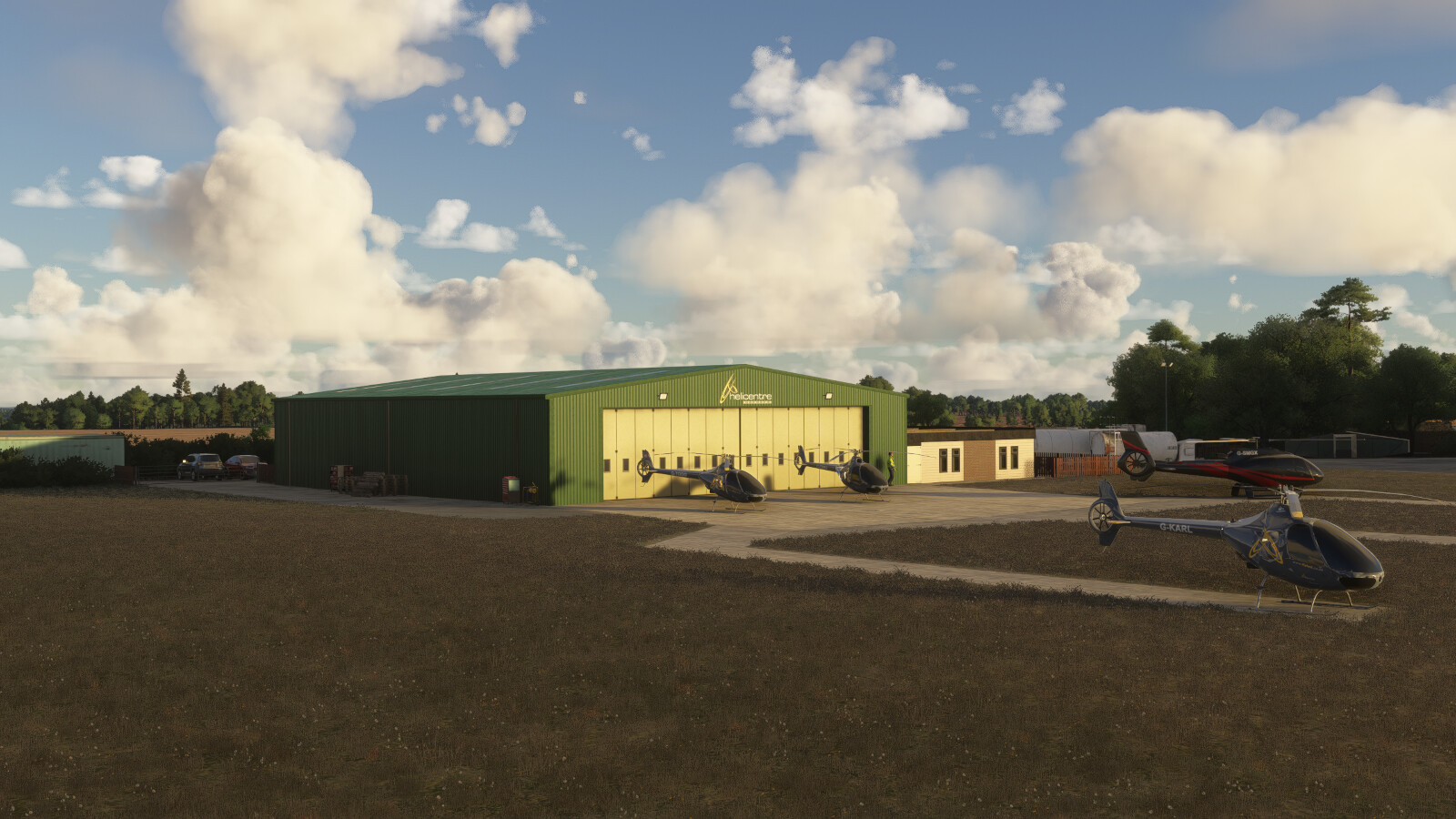
- G-TOOO, G-KARL & G-CHWJ – Guimbal Cabri G2 (Helicentre Aviation)
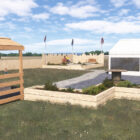
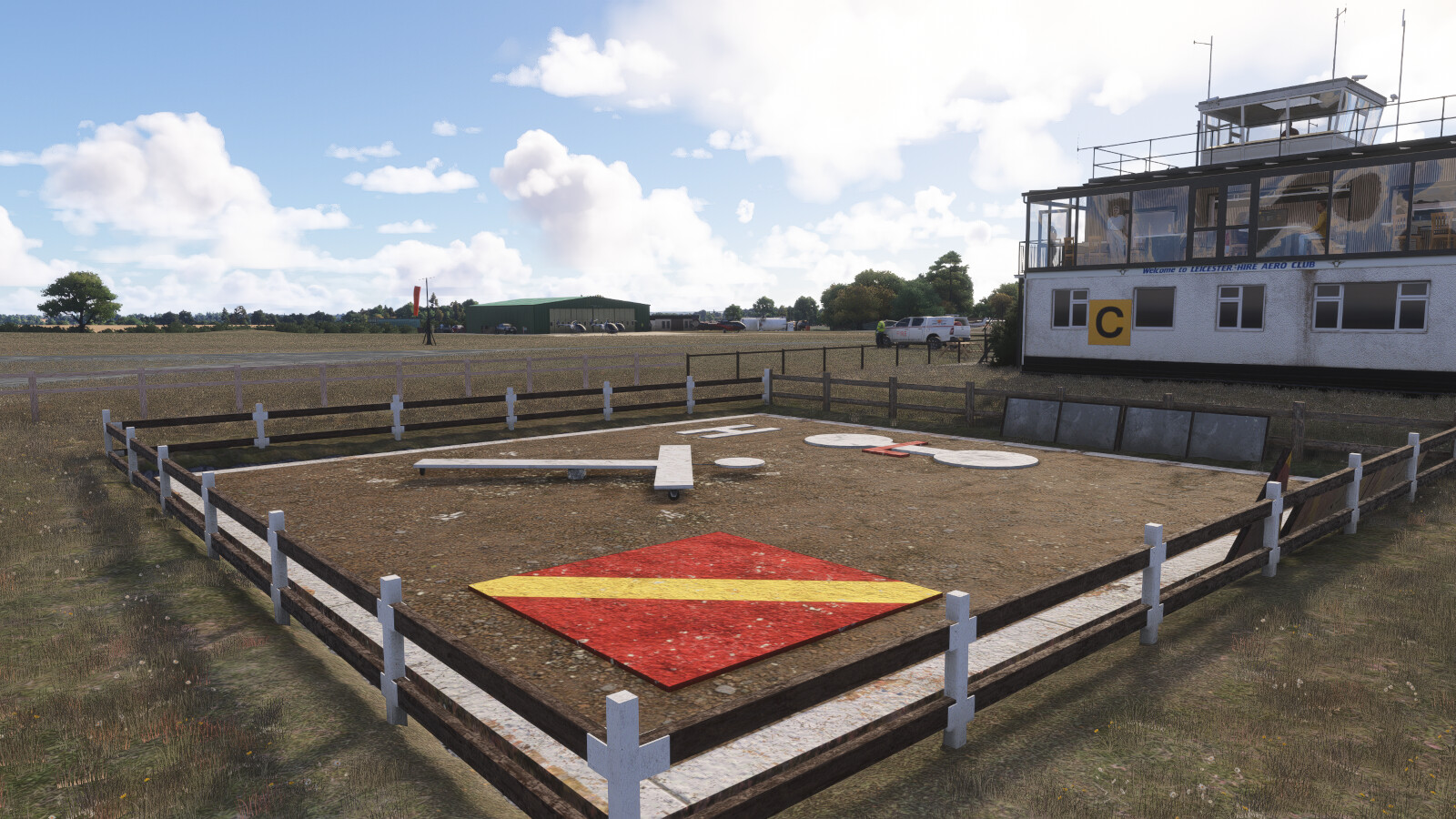
- Working animated signal square
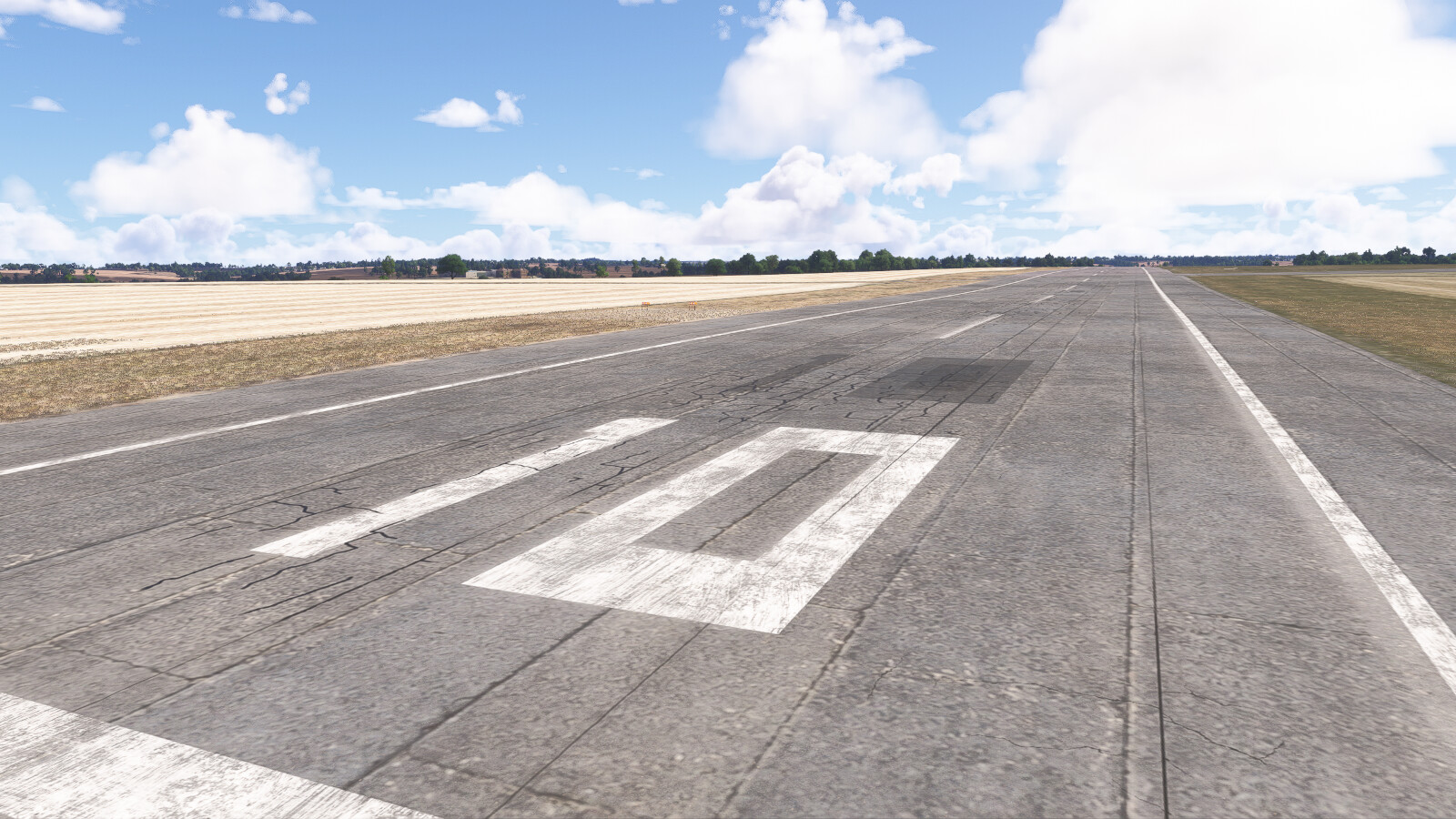
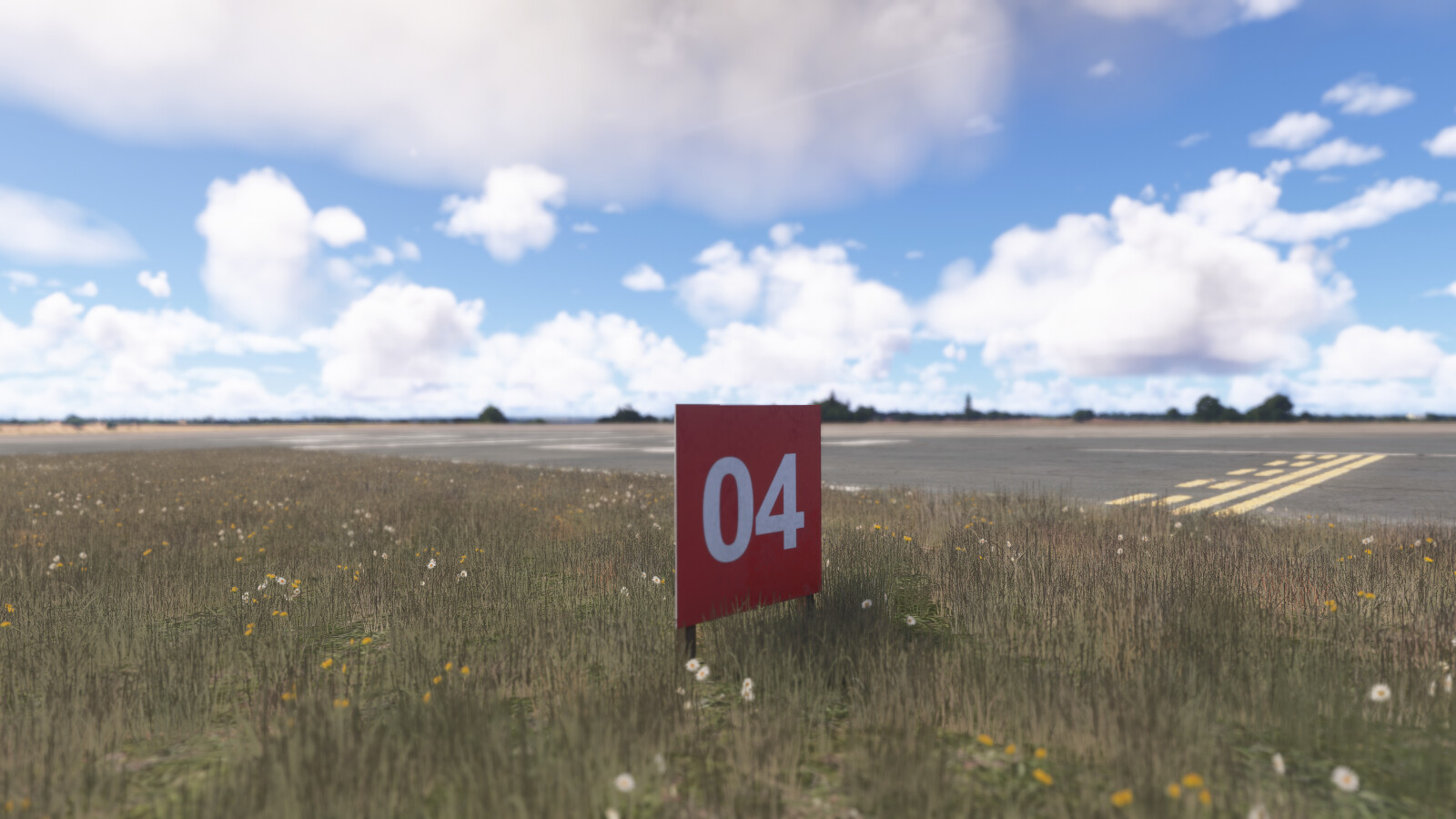
- Accurate runways, taxiways and custom hold signs
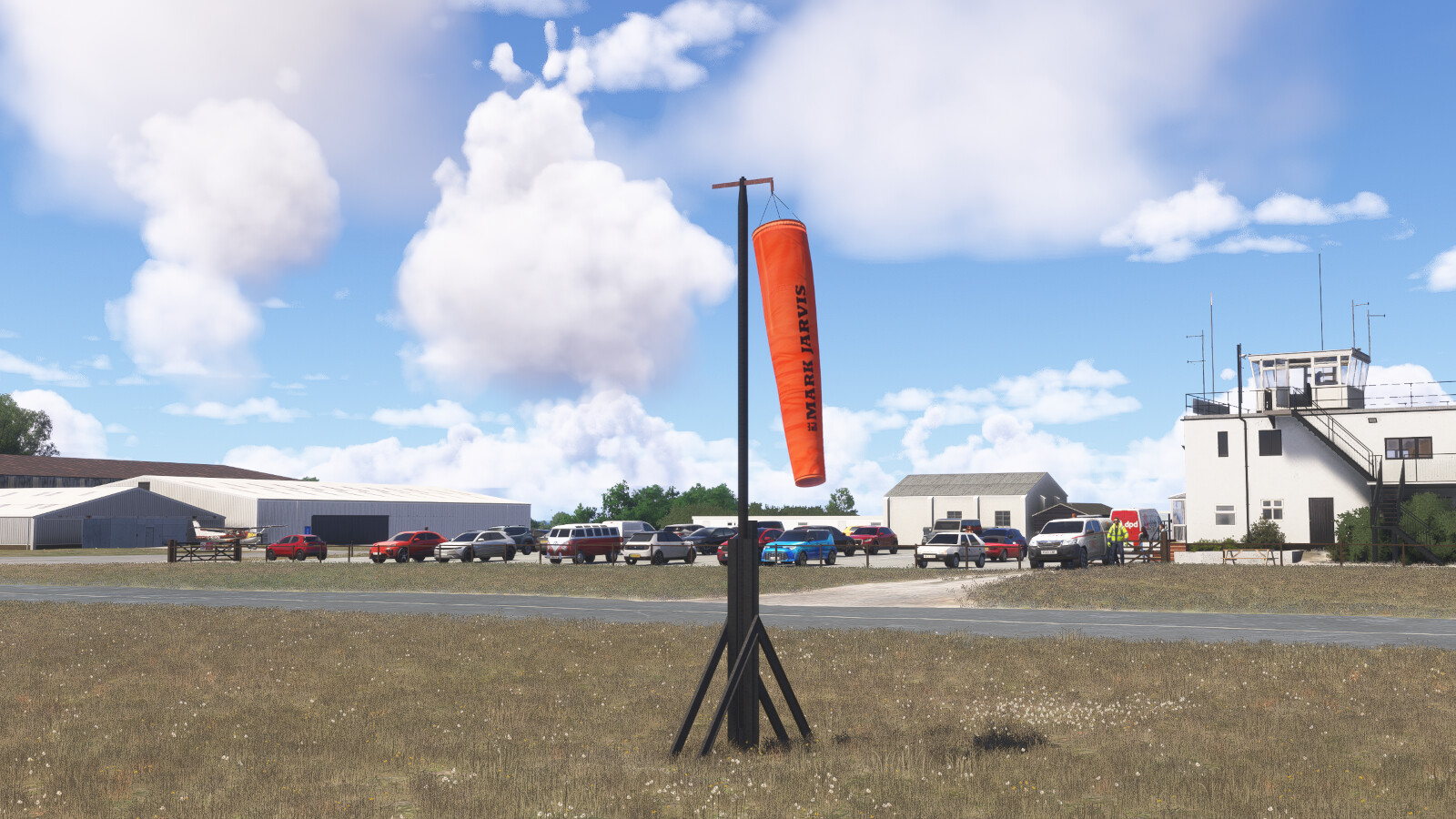
- Completely custom windsocks
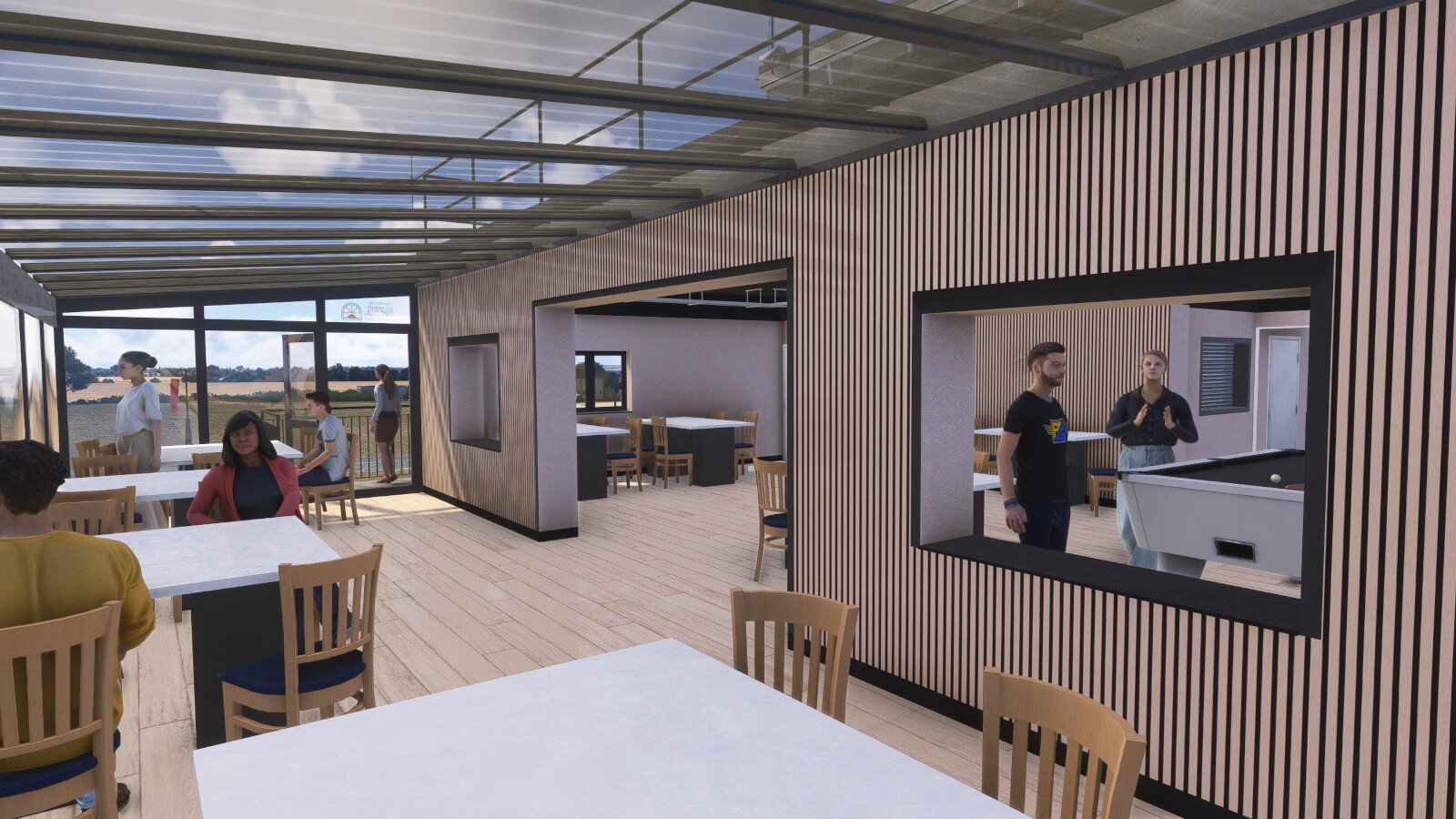
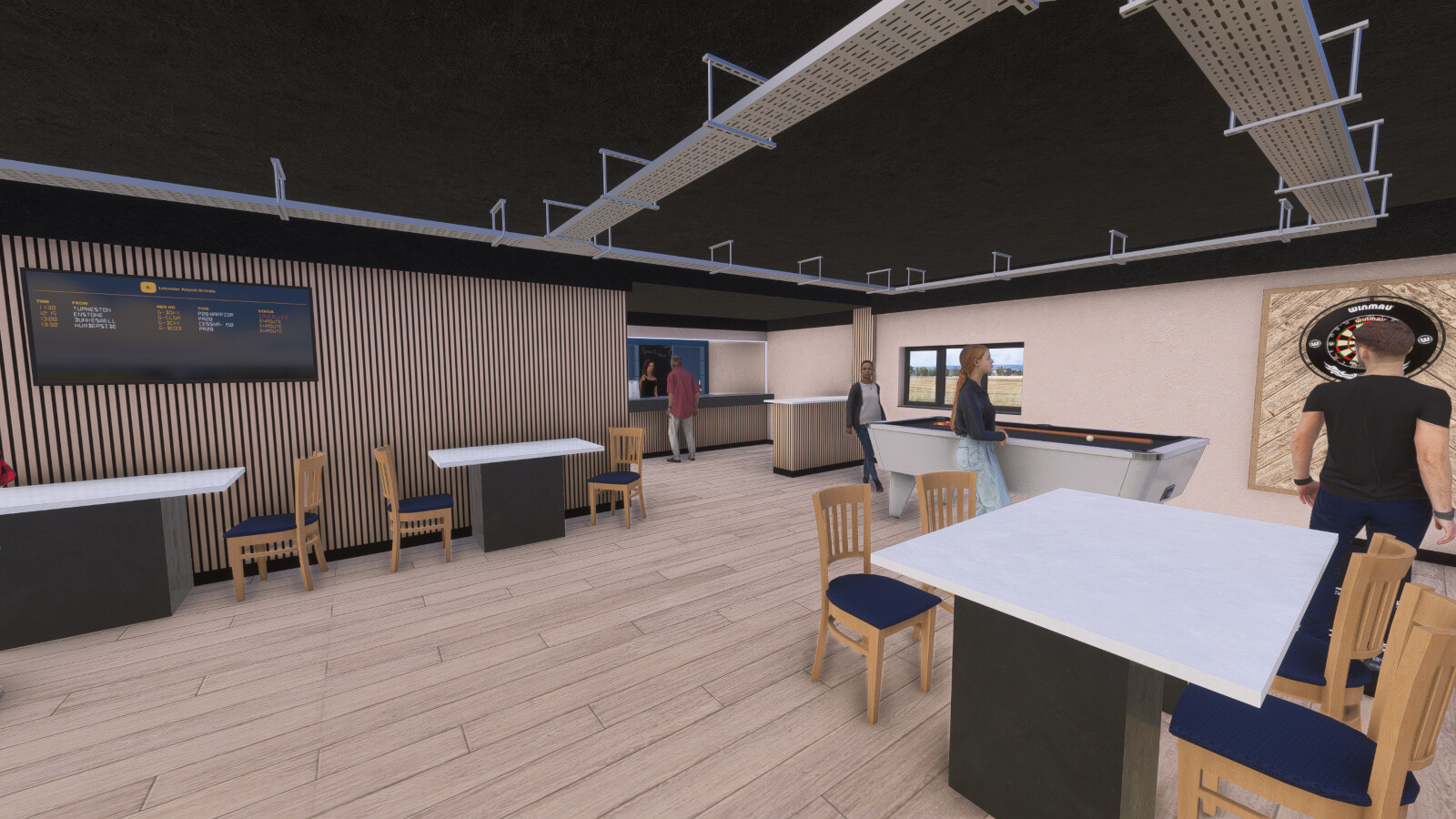
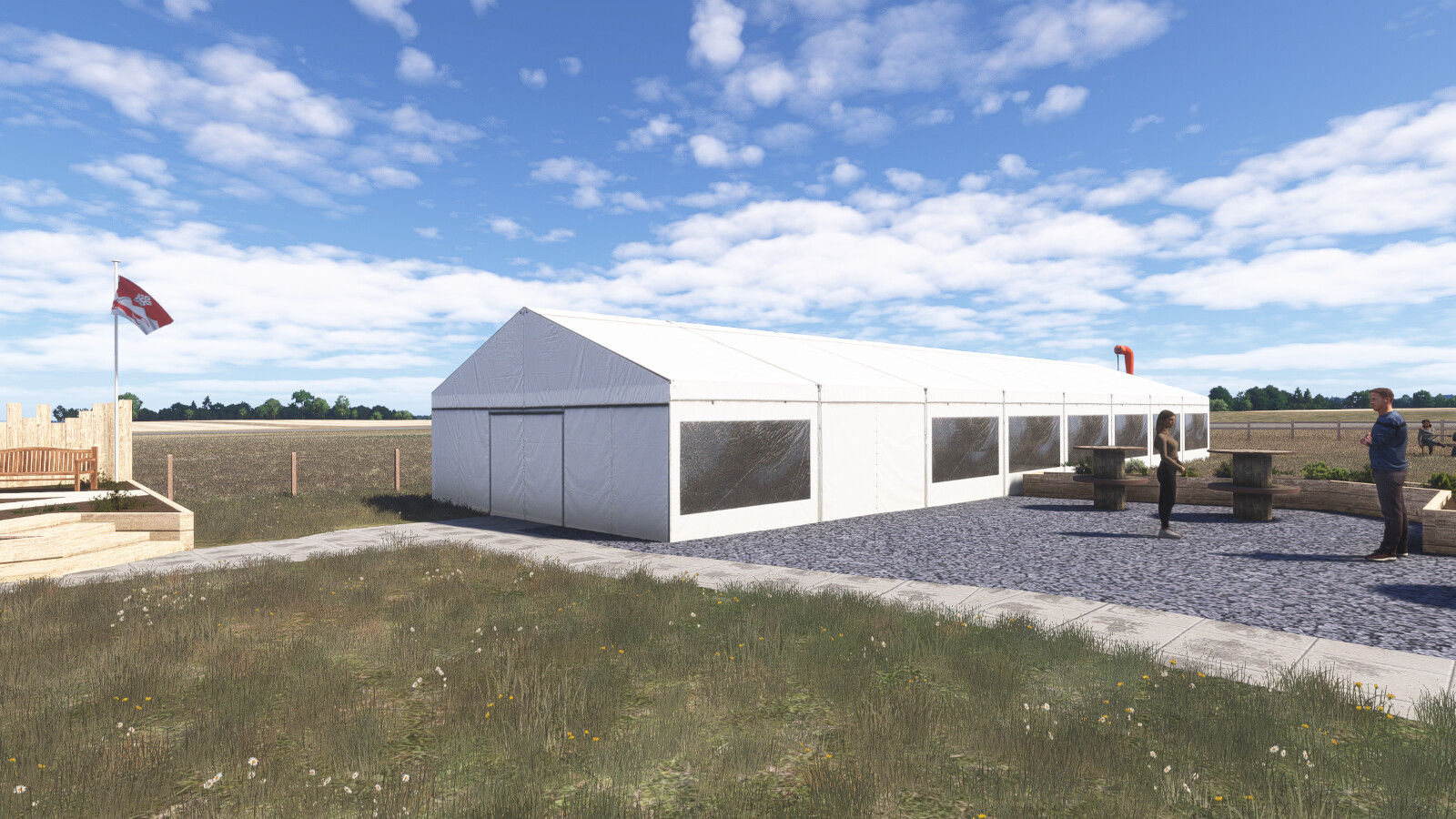
- Animated spectators
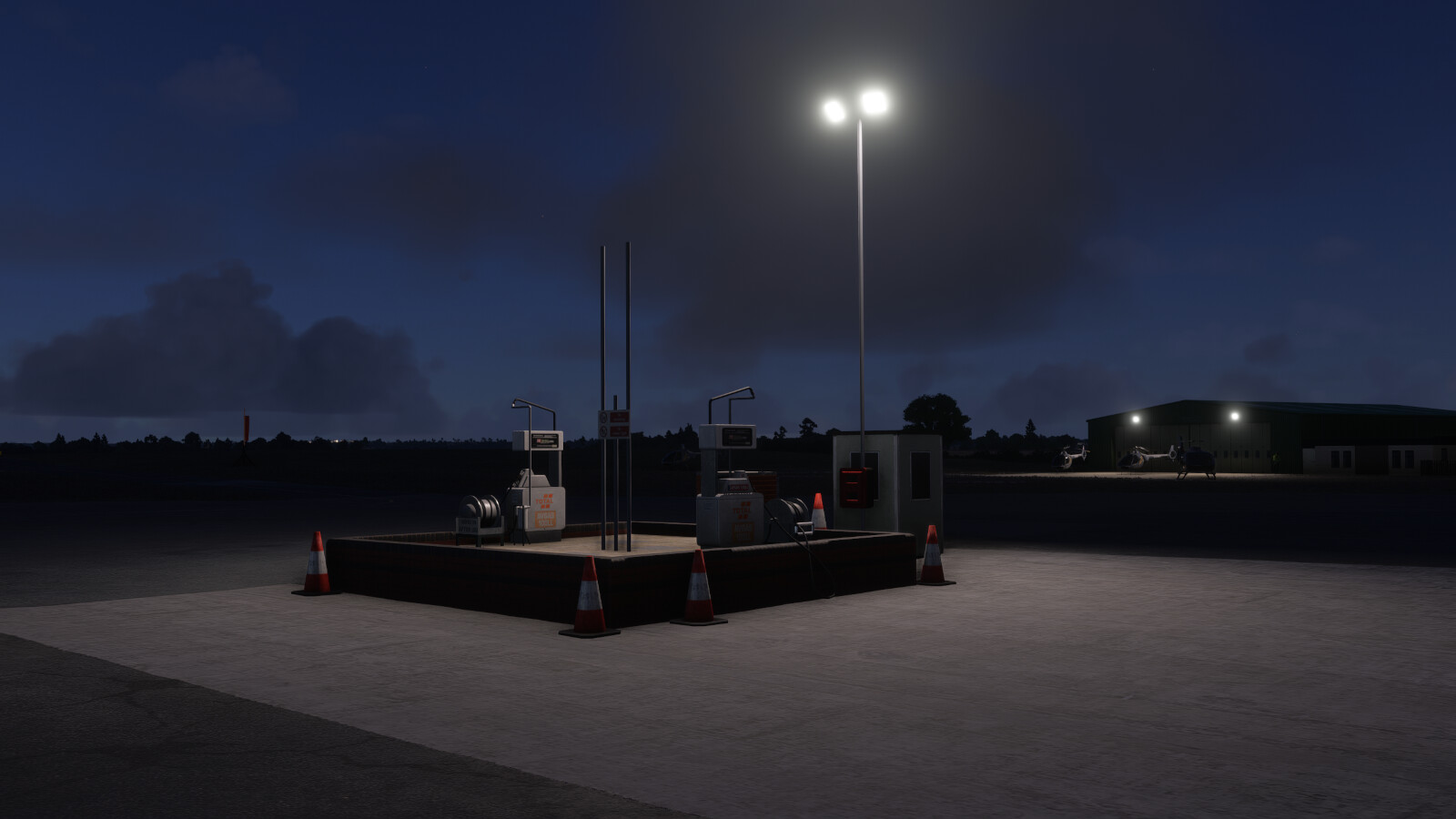
- Realistic night lighting
- Full dynamic weather compatibility
- Enhanced high resolution colour corrected ground textures
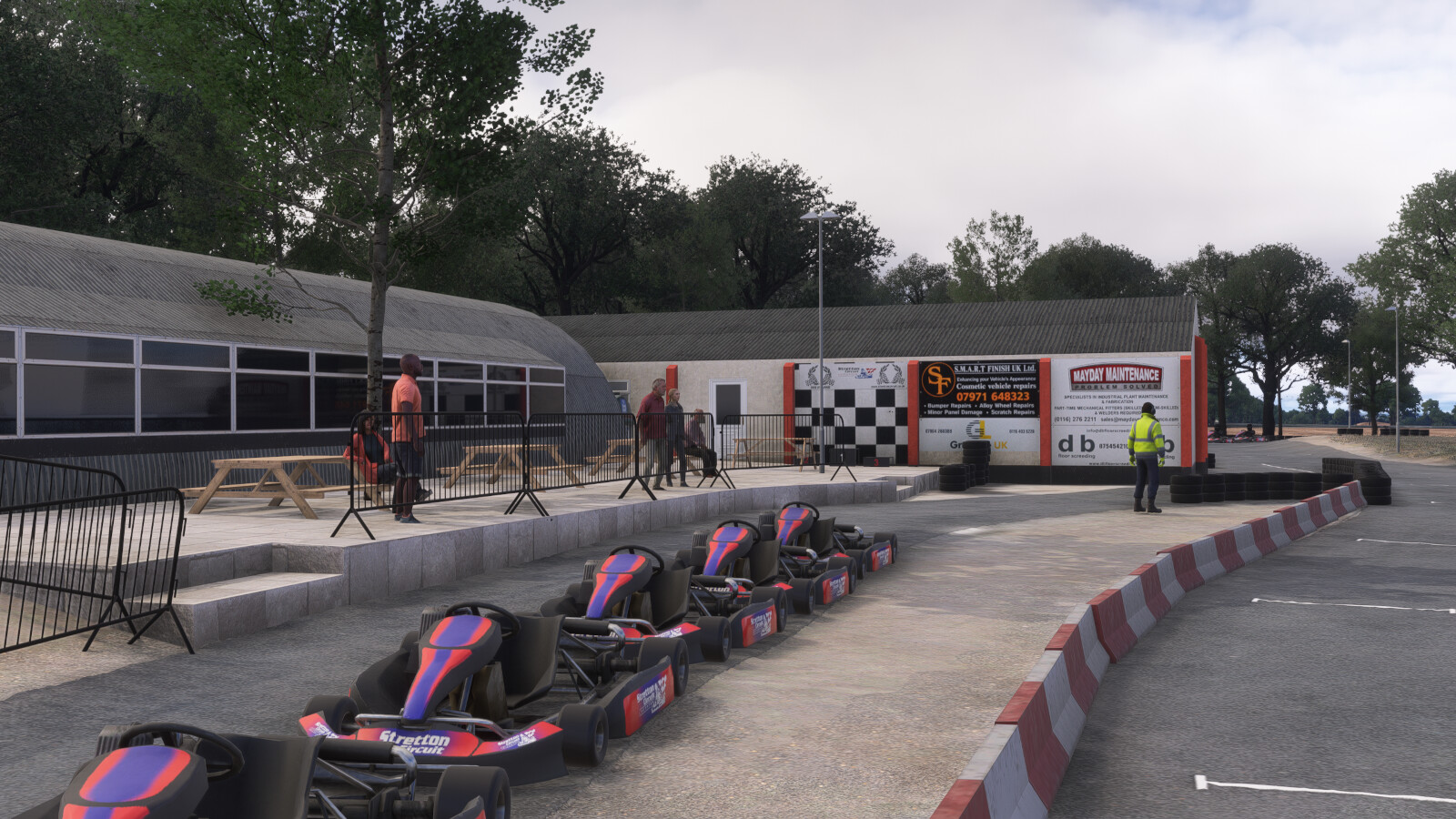
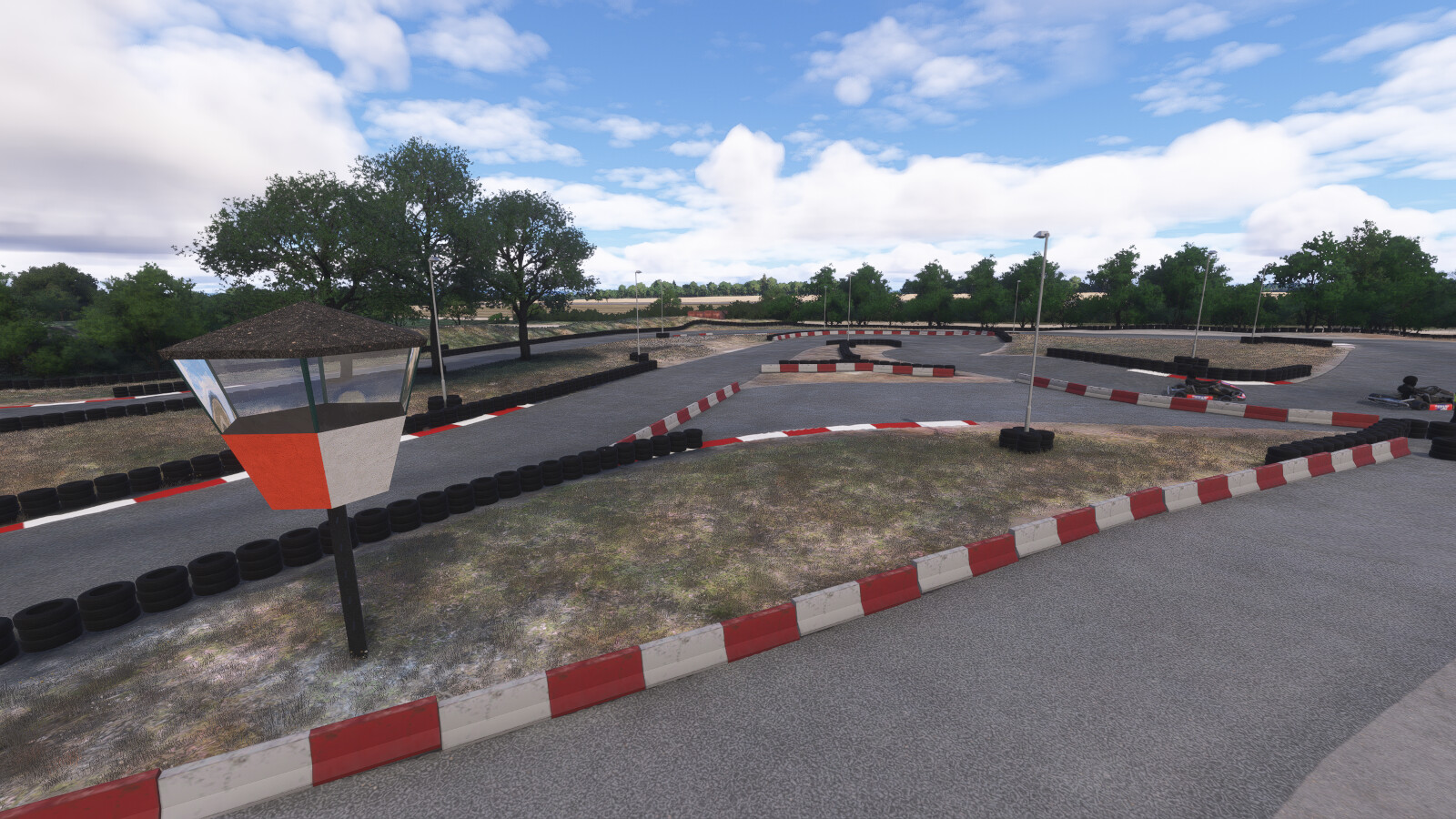
- Modelled Stretton Karting Circuit with animated go-karts
- Native support for both MSFS 2020 and 2024
- Full FsExplore compatibility (MSFS 2024 only)
- Open and close hangar doors manually
- Doors open automatically for your avatar
Find out more about FsExplore in our FAQ
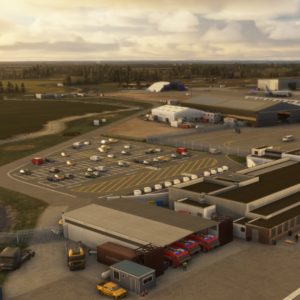
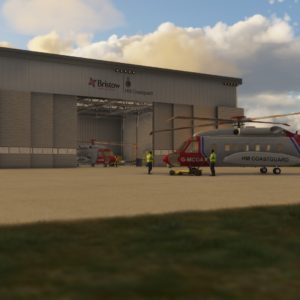
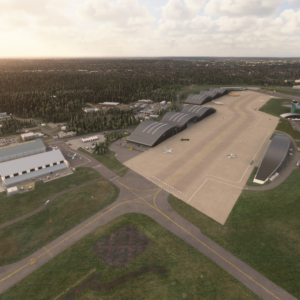
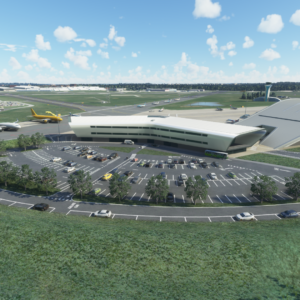
Image Gallery
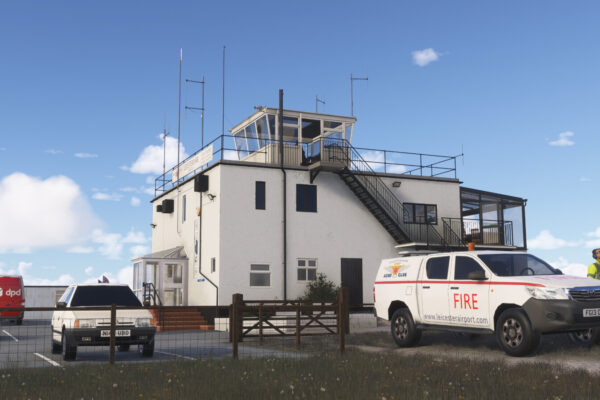
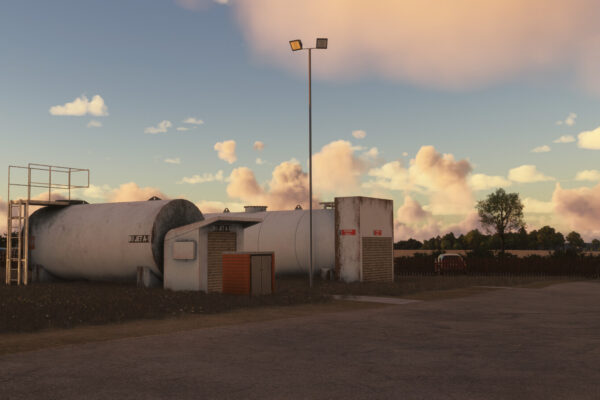
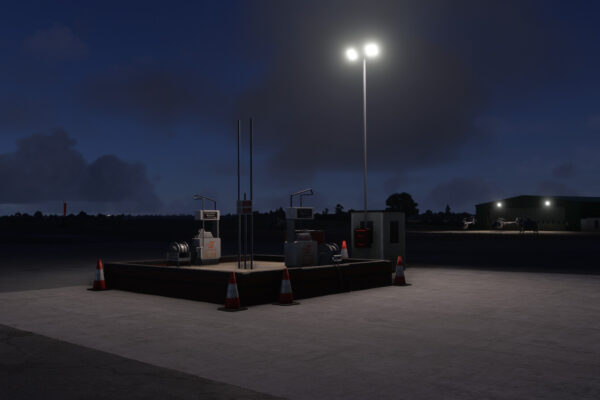
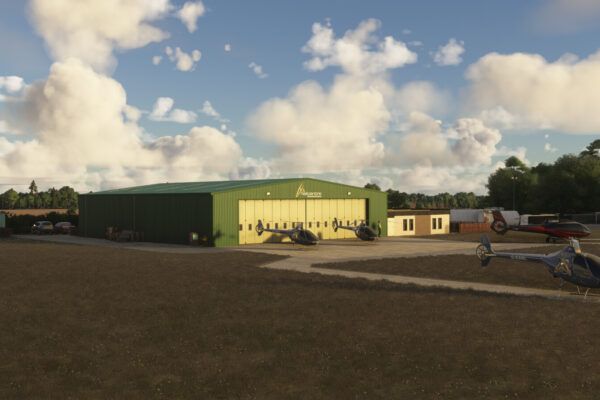
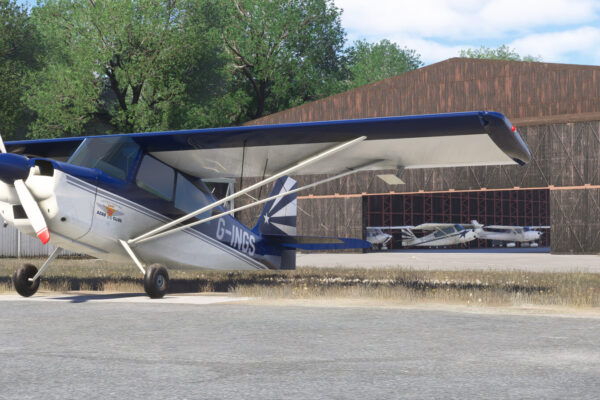
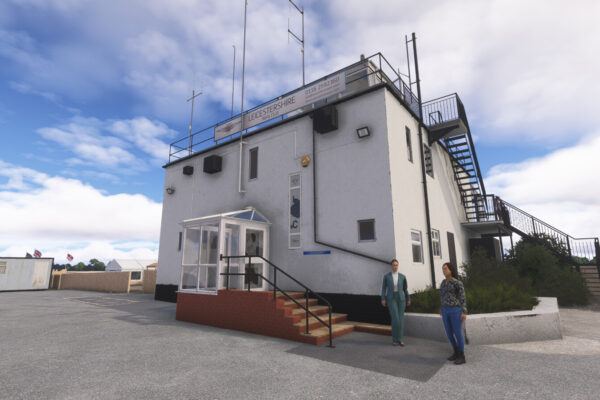
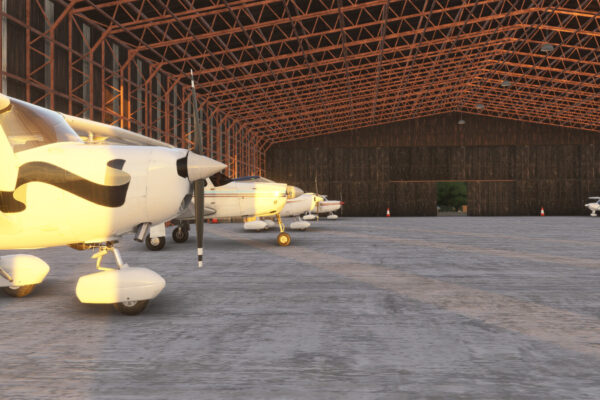
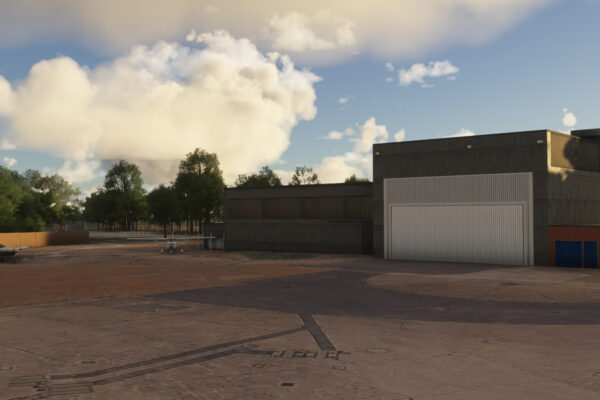
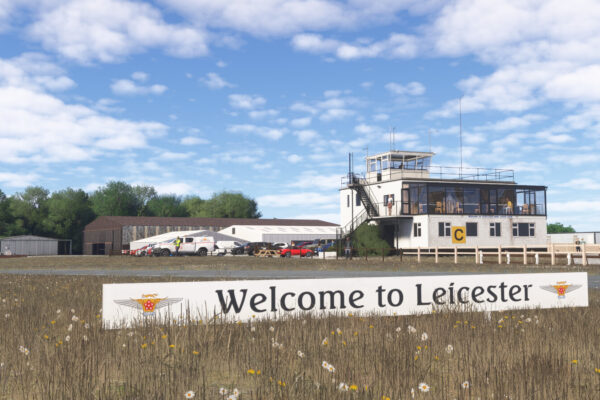
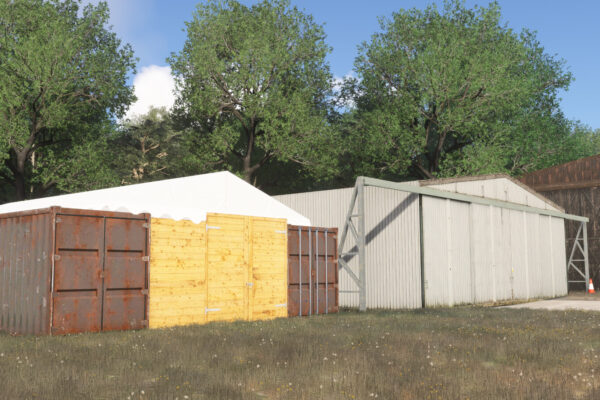
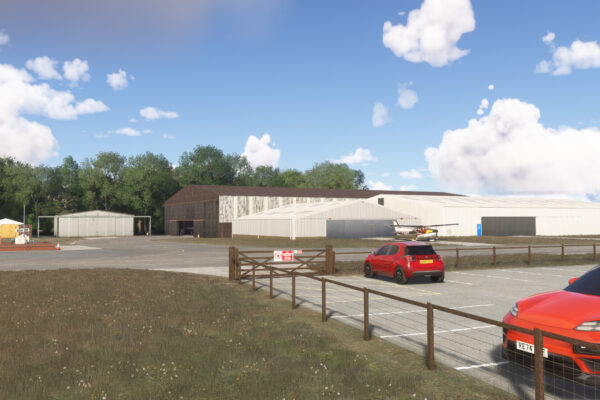
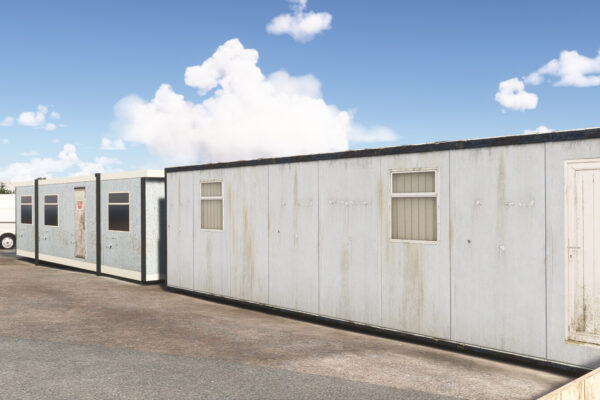
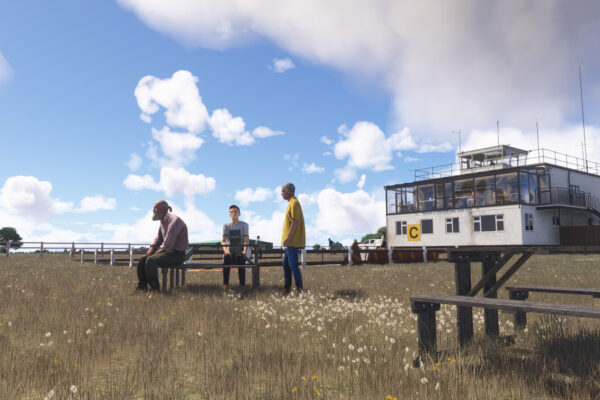
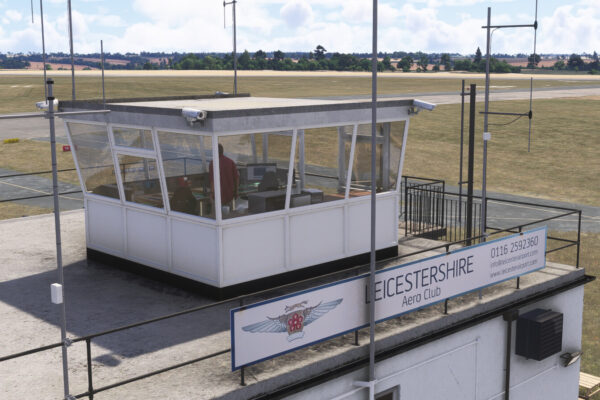
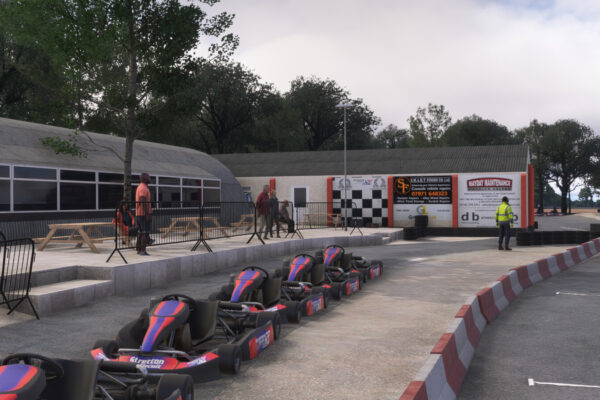
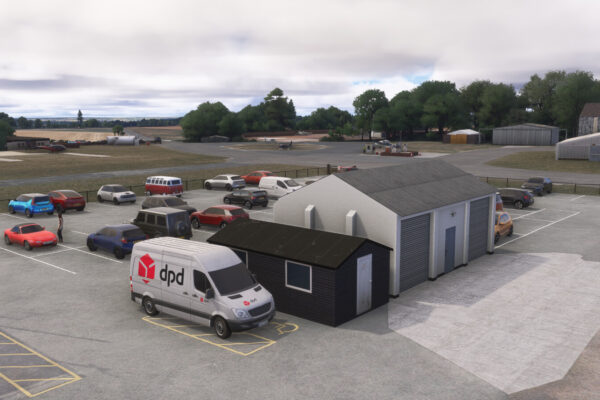
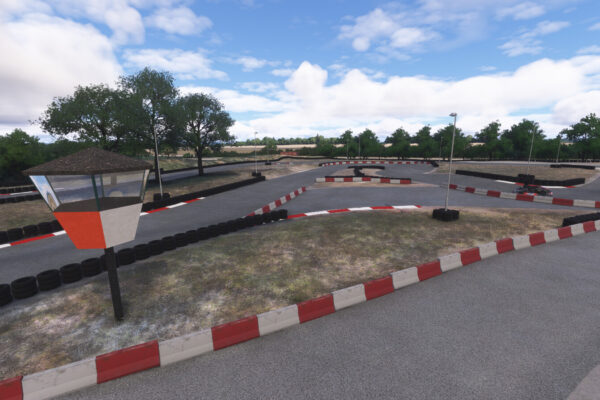
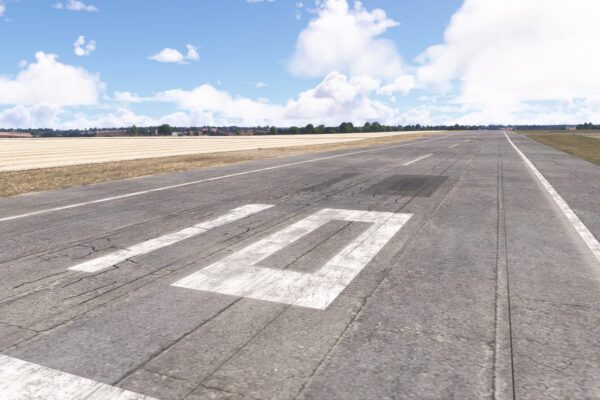
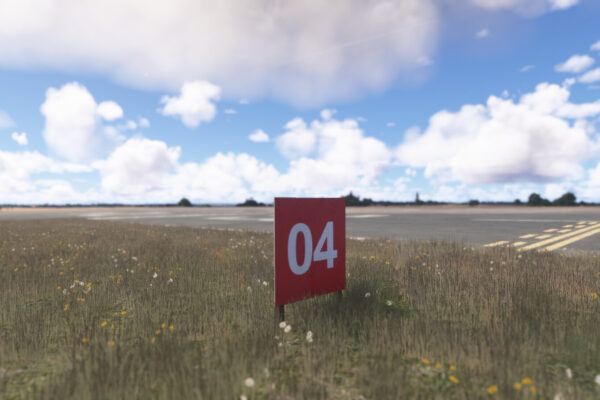
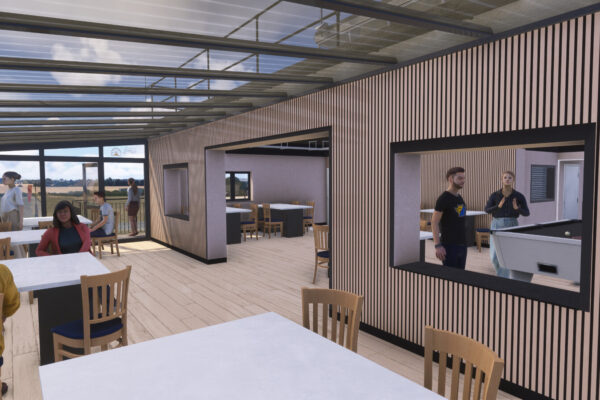
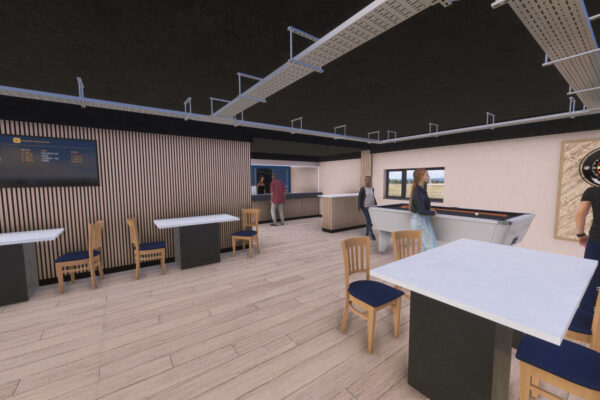
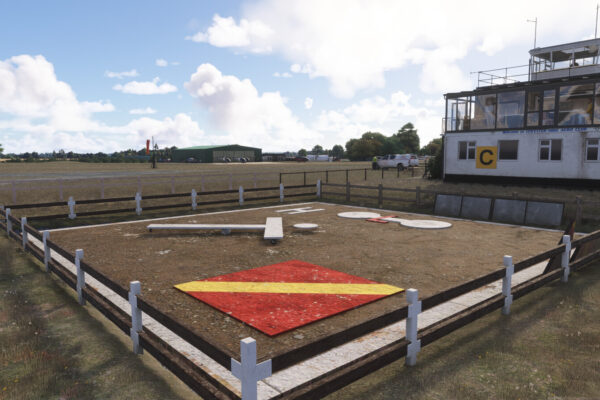
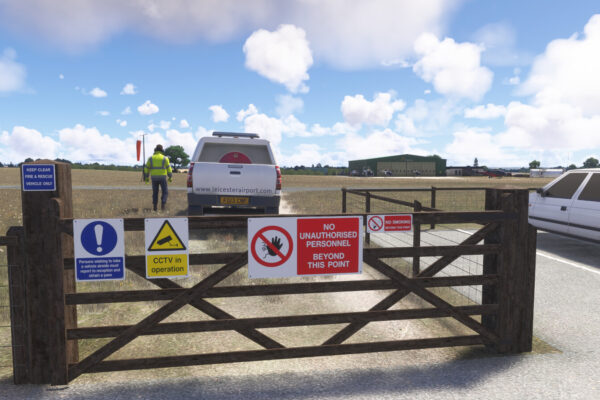
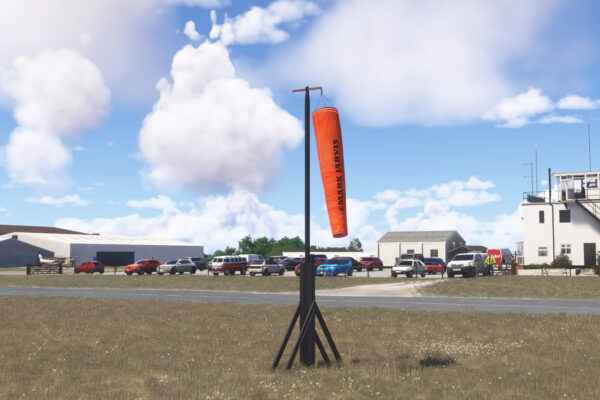
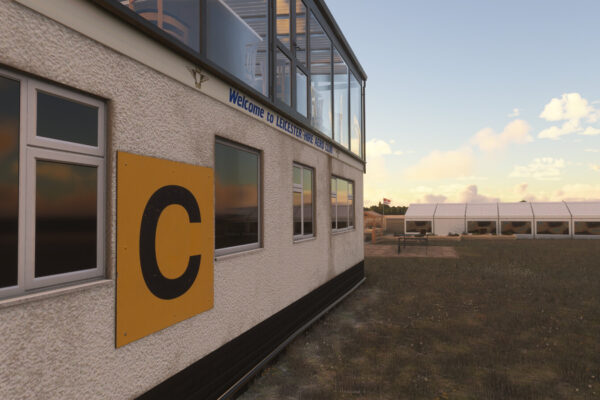
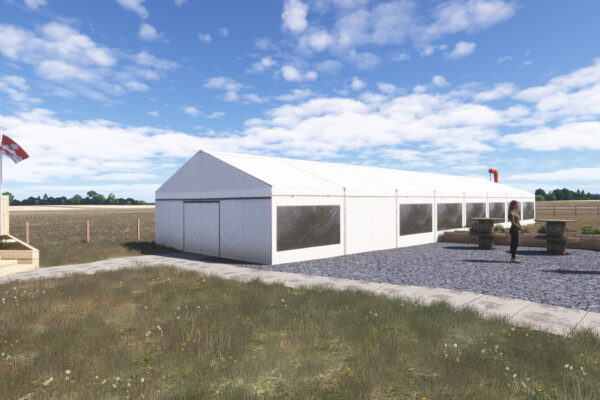
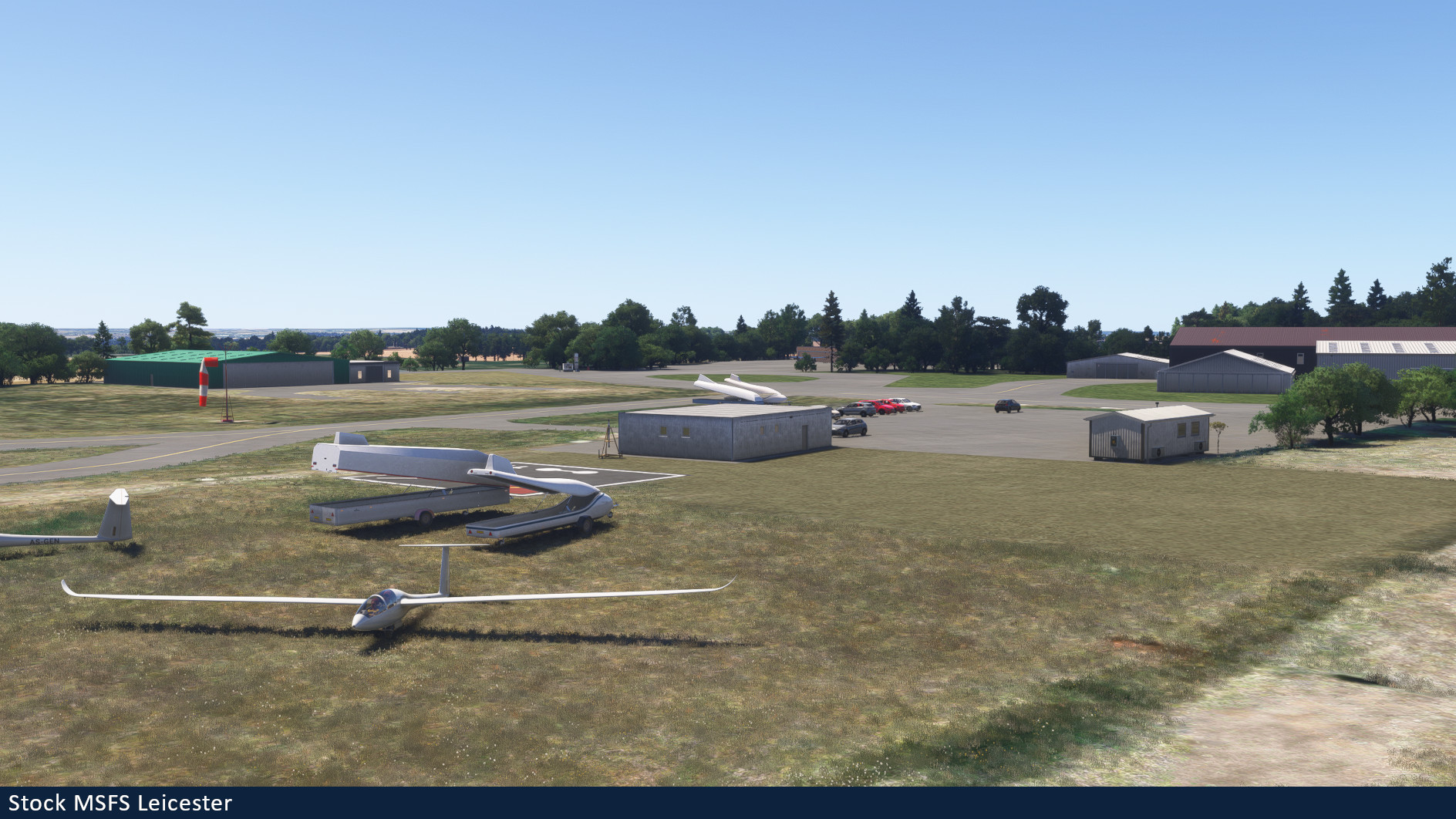
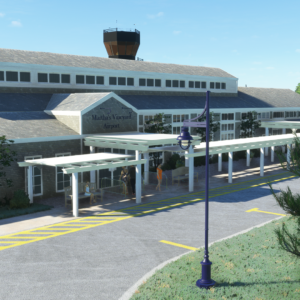
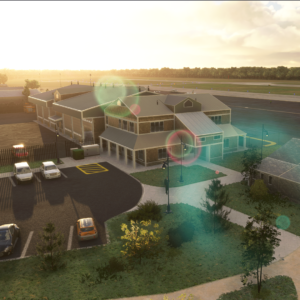
MSFS stock Leicester vs Burning Blue Design Leicester
Installation Instructions
Once you have purchased and downloaded the product, double click on the zip file to open it. You should see the airport’s folder inside, this will need to be extracted and placed into your Microsoft Flight Simulator Community folder, if you don’t know where the community folder is, we have a full guide on how to install our packages here.
If you still have trouble locating your community folder this easy to follow video will help: https://www.youtube.com/watch?v=fhSkMzWLFR0
There is also a community tool called ModmanFX which makes installing and removing Microsoft Flight Simulator packages incredibly easy, you can get it here: https://www.msfsaddons.org/freeware/modmanfx
Known Bugs
- Transparent and translucent glass panes can appear very dark when subject to particle effects such as rain, snow and fog. This is a known bug that Asobo/Microsoft are aware of and will hopefully fix in the near future.
Requirements:
Minimum
Recommended
Further Information and Licensing:
A number of the static vehicles used within the scenery were 3D models used under the Creative Commons Attribution License. The models were reskinned to match their real life contemporaries. For further information and full attribution on any of the individual models please contact us here: https://burningbluedesign.com/contact/
There are no reviews yet.